
The full library
Browse all 74 demos
Every Dash conversation on this site, grouped by the team that does the work. Each group is its own page with the full set and the context behind it, so you can send someone a link to exactly the part they care about.
Every demo is a real conversation inside Slack or Microsoft Teams. Nothing is written to another system, and no message goes to a customer, resident, or vendor, without an approval in the thread.

Operations24
About operations demos
#legal Redline a landlord agreement in Slack A management agreement gets marked up in the channel: what changed against the standard version, which edits matter and which are cosmetic, the clause that quietly moves risk, and a clean comparison document produced for a lawyer to read. View the conversation
#daily-brief Schedule a daily portfolio brief in Slack A recurring morning brief across six communities is set up by describing it in a sentence, then corrected twice by two different people in the same thread. No schedule builder and nobody opens a settings screen. View the conversation
#leasing Run an eviction case through to filing A non-payment case that runs over three weeks, handled in one channel: the notice dates tracked against the clock, the AppFolio ledger and the mail history reconciled when they disagree, a part payment that resets the maths, and the filing packet assembled for a person to approve. View the conversation
#leasing Summarize a landlord before the call Fifteen minutes before an owner call, one request pulls the account together from the CRM and the mail history: what they own, what has happened since the last call, what they last complained about, and the question they are most likely to open with. View the conversation
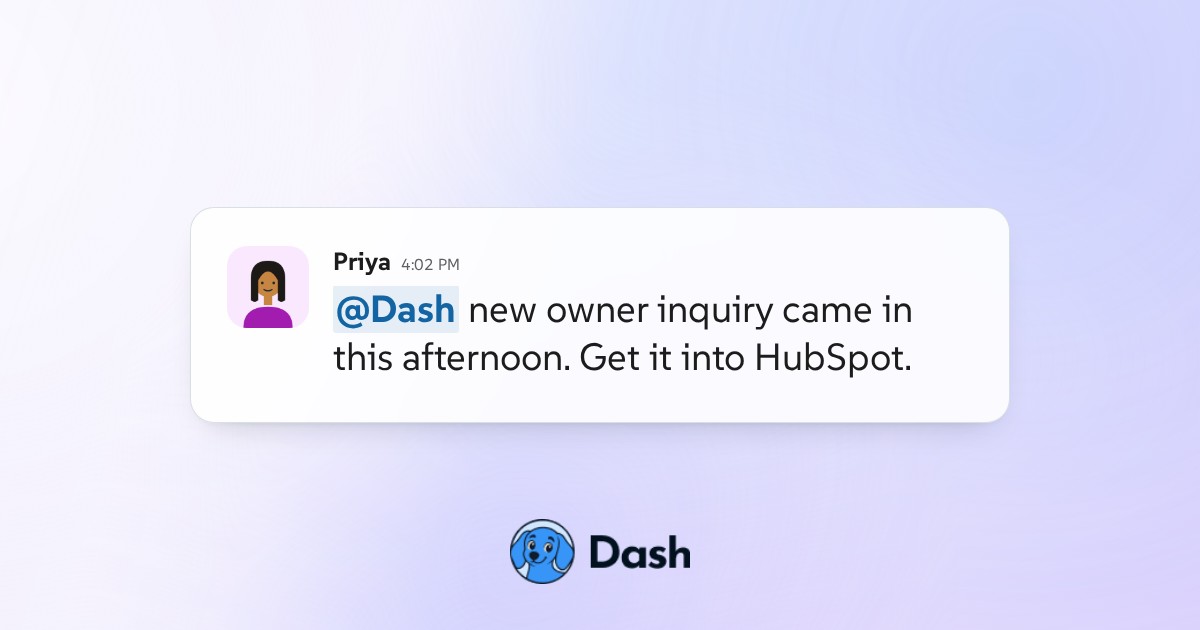
#leasing Add a new landlord to the CRM from an email An owner inquiry lands in the inbox and Dash turns it into a clean HubSpot record: contact, company, the four properties named in the mail, and the fields it deliberately left blank because the email did not actually say. View the conversation
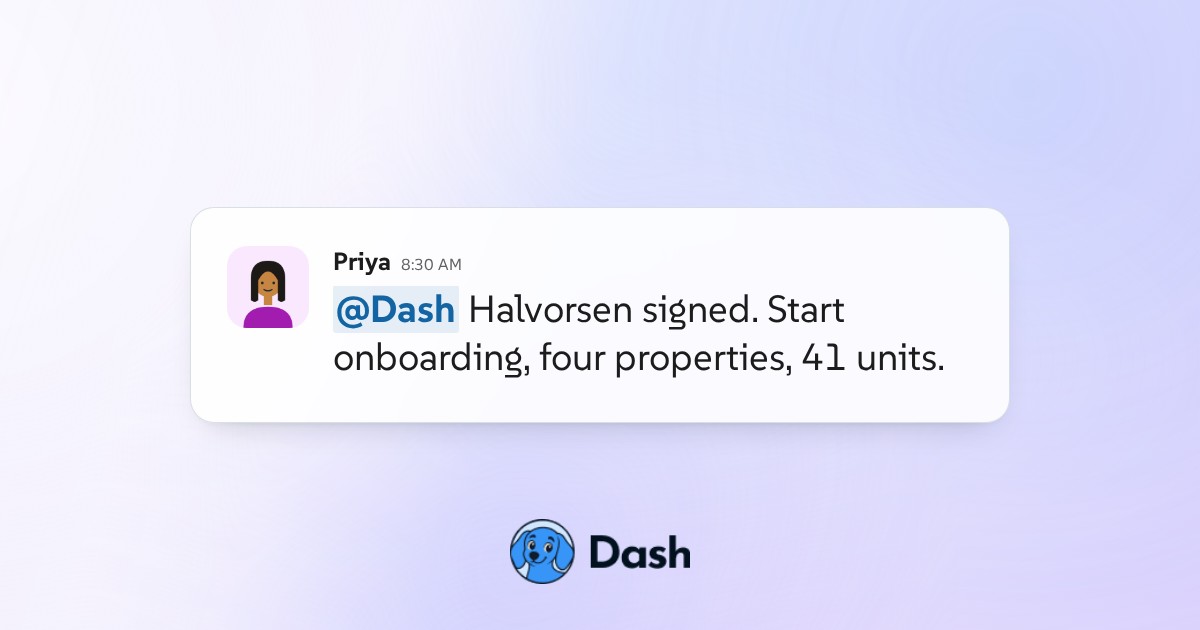
#leasing Onboard a new landlord across the team A signed owner moves from a yes to a running account with the whole team in one thread: the onboarding steps opened and owned, the missing documents chased, the handover to maintenance and accounting, and the two items that would have been forgotten. View the conversation
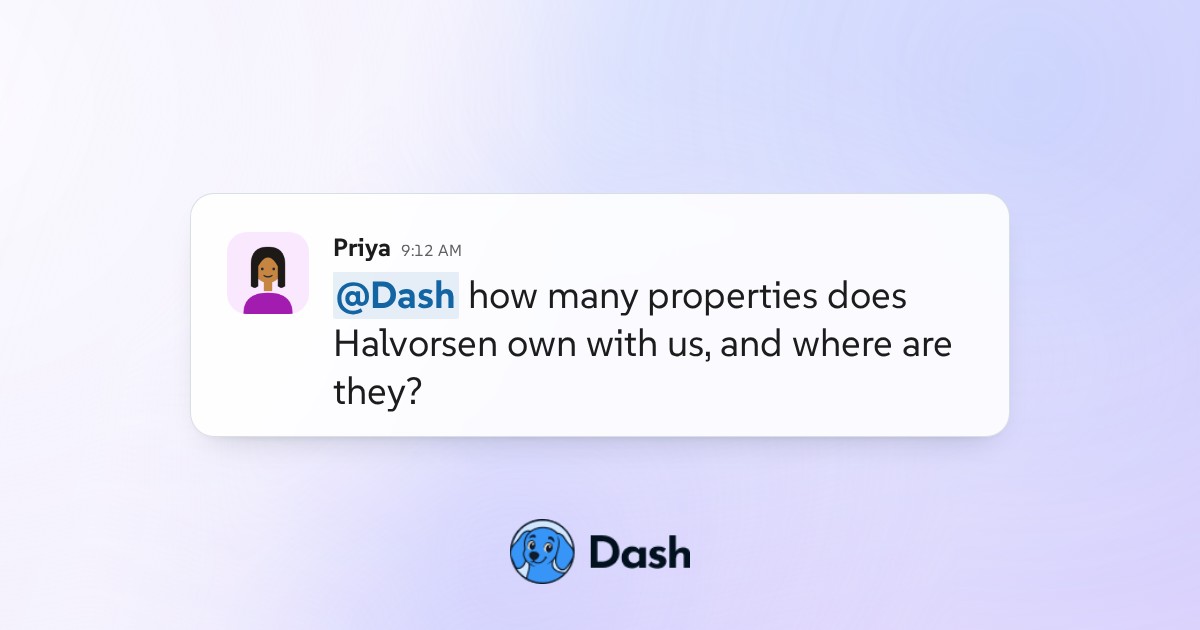
#leasing Look up every property a landlord owns A leasing coordinator asks a plain question in the channel and gets the owner's whole portfolio back: every property, the units in each, who manages them day to day, and the two things about this owner worth knowing before the next call. View the conversation
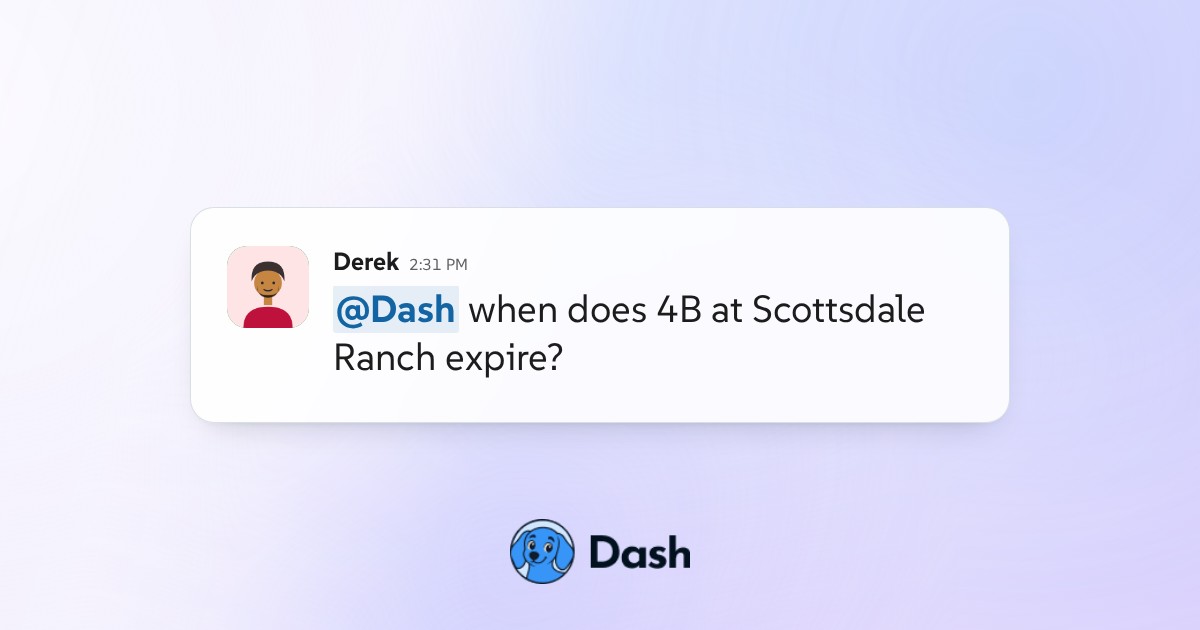
#leasing Check when a lease expires and renews A one-line question about a single unit comes back with the lease dates, the renewal window, what the rent is now against the rest of the building, and the fact that the notice date has already passed. View the conversation
#leasing Run a lease renewal from notice to signed One renewal followed the whole way: the notice drafted against comparable rents, a resident counter that arrives with a reason, the owner decision routed for approval, and the agreement sent for signature and tracked back to signed. View the conversation
#leasing Triage the leasing inbox each morning Overnight mail to the shared leasing address arrives in the channel already sorted: what needs a person today, what Dash has drafted for approval, and what it filed on its own, with the one message that does not belong to leasing called out. View the conversation
#maintenance-requests Route a maintenance approval before spend Dash assembles the approval packet for a gutter clearing job at Mesa Gateway, prices it against the same job last year, routes the card to the principal, and holds the work order until the answer comes back. View the conversation
#maintenance-requests File a maintenance email to the right unit A resident emails the general address with no unit number and a blurred photo. Dash works out which unit it is from the sender history, files it against that unit, and says plainly which part it is not certain about. View the conversation
#month-end-close Track month-end close across properties The controller asks which property close runs will miss their due date. Dash reads the live close workflow, reports the real task counts for all six communities, and names what is holding each one up. View the conversation
#leasing Build a move-out inspection checklist A move-out inspection process is described in one message and built into a reusable checklist. Halfway through the thread the rule changes, and the checklist changes with it for everyone who uses it next. View the conversation
#general Turn a week of notes into a priority list One person empties a week of unsorted notes into the channel. Dash returns them as what is urgent, what is waiting on a named person, what has money attached, and what can wait, with every dollar figure pulled out and the items that have been sitting too long flagged. View the conversation
#maintenance-requests Track open maintenance requests in Slack A plain question in the channel returns every open maintenance request across six communities, ordered by how long each has been sitting, with the one that is quietly waiting on a person named rather than buried at the bottom of the list. View the conversation
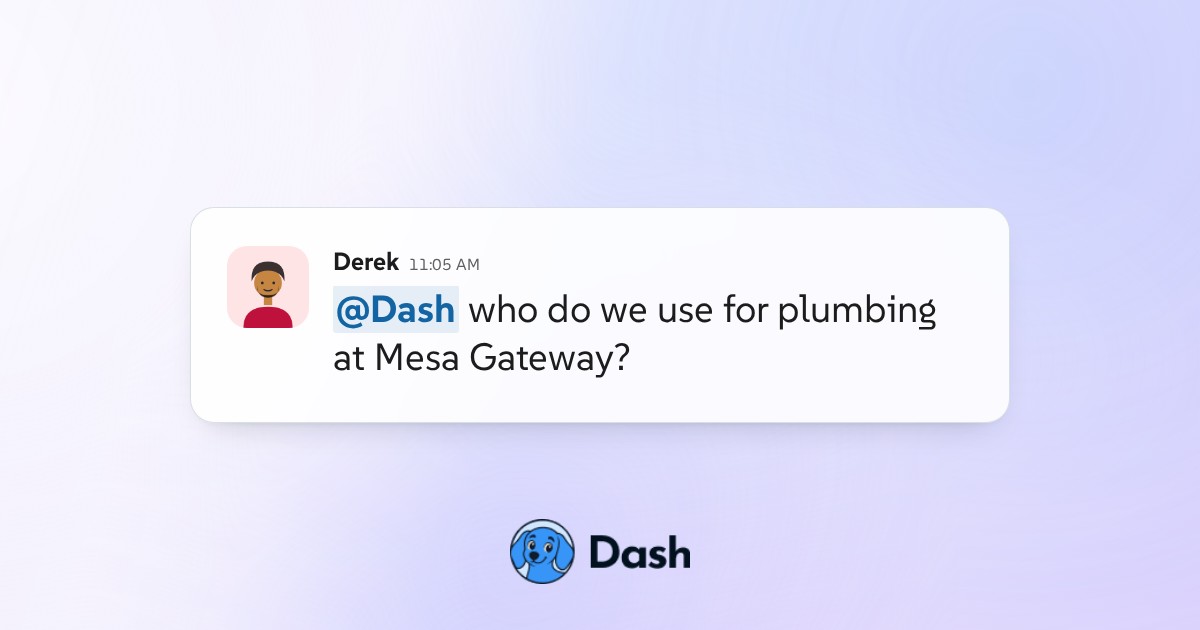
#maintenance-requests Answer who the vendor is for a property A simple who-do-we-use question returns the current vendor per trade for one property, when each was last used and what for, plus the trade where the answer is genuinely unclear. View the conversation
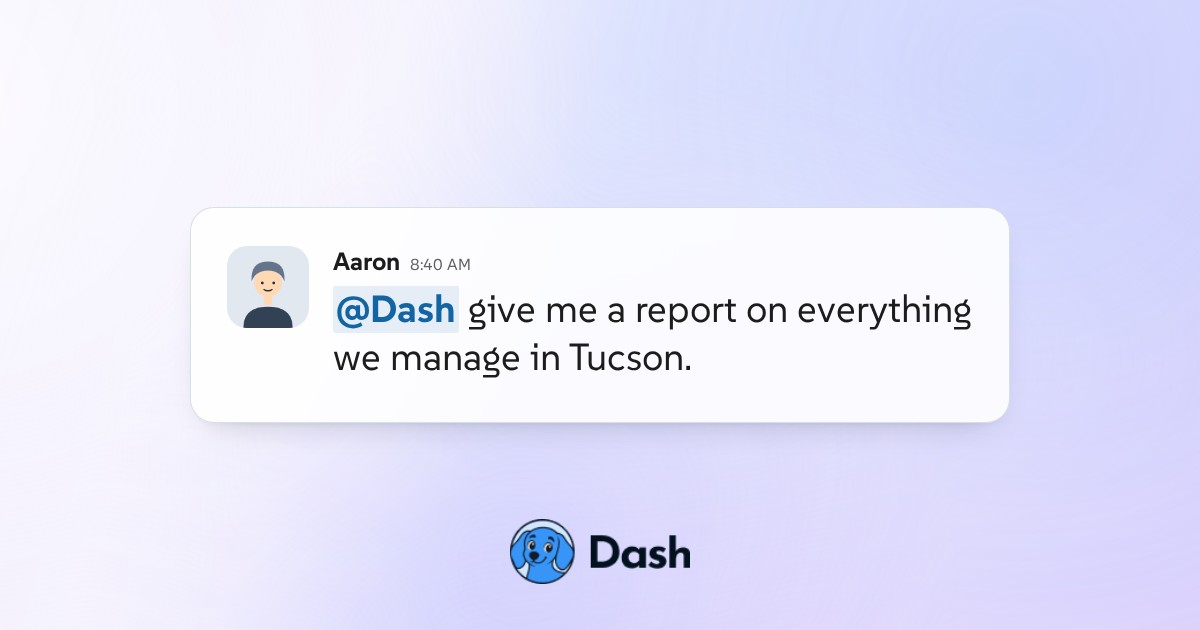
#portfolio Report on every Tucson property at once One question filters the whole portfolio down to a single region and returns a real report: occupancy, open work, arrears and the two properties that account for most of the problem, with the filter itself shown rather than assumed. View the conversation
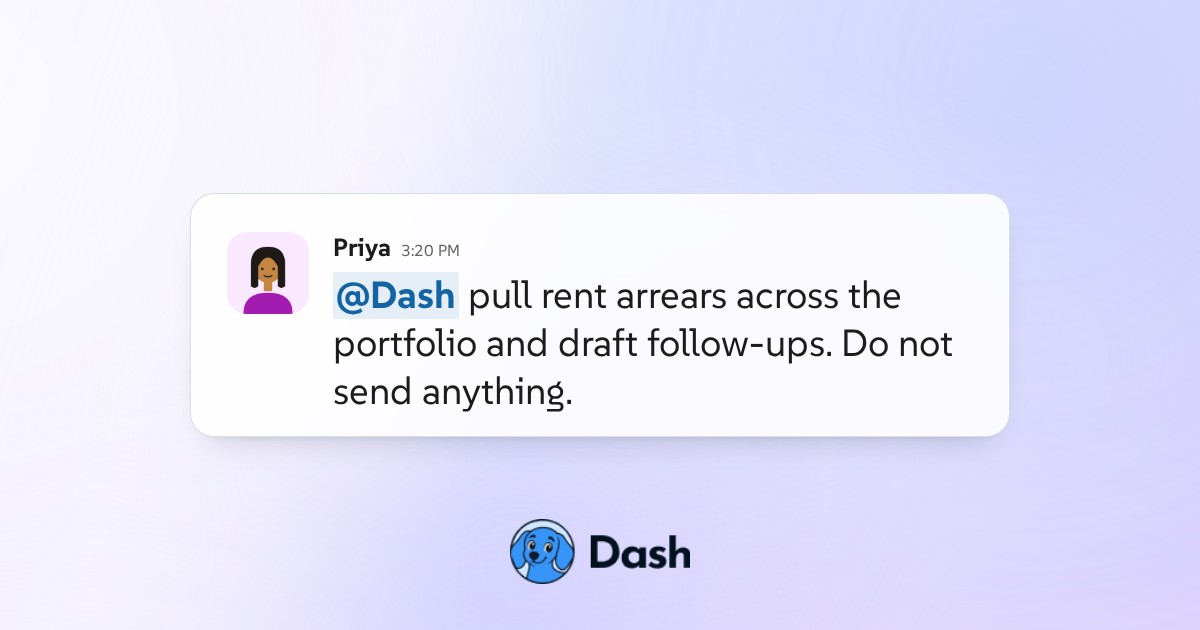
#leasing Draft rent arrears follow-ups for approval Dash pulls rent arrears across six communities, drafts a follow-up for each resident pitched to how far behind they are, and holds every one of them in the thread until a person approves. Nothing is sent by Dash. View the conversation
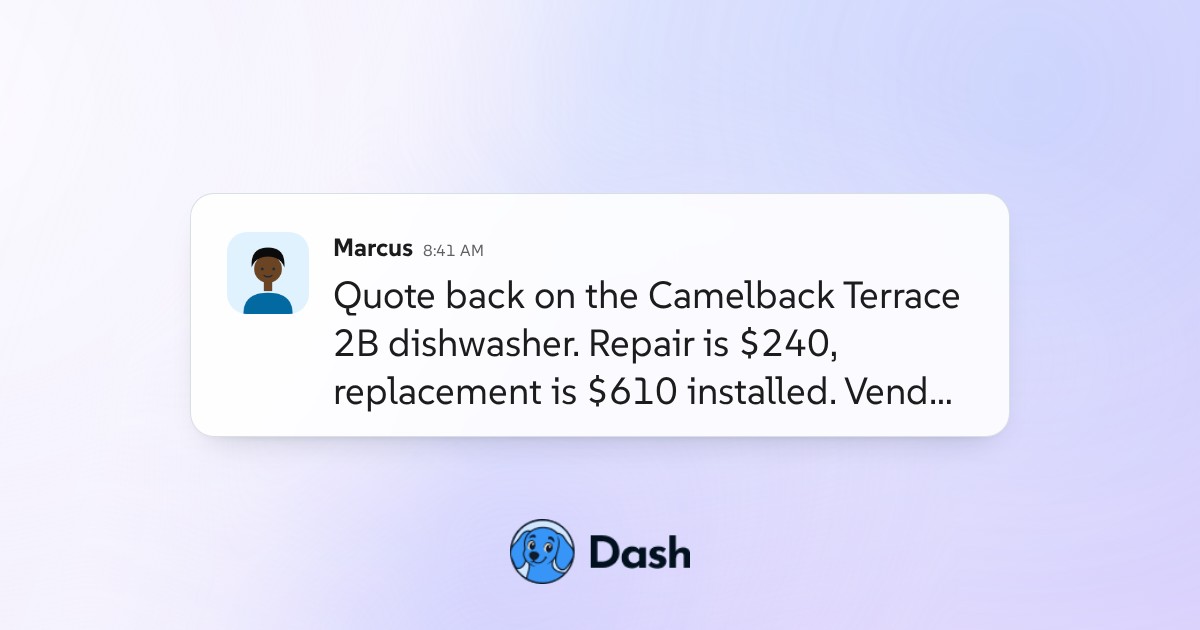
#maintenance-requests Decide repair or replace from repair history A dishwasher quote lands at Camelback Terrace and the team disagrees. Dash reads twelve months of repair history for that unit against the replacement policy and posts the call with the numbers behind it. View the conversation
#accounting Pull a resident's full payment history Before a difficult conversation, one question returns a resident's payment record in plain terms: what is owed now, how they have paid over two years, when the pattern changed, and what that suggests about the right next step. View the conversation
#website-maintenance Fix an outdated fee across a GitHub site The application fee on the public site still reads $45 after a move to $50. Dash searches the whole repository rather than the page you would expect, finds every instance across three files, and stages the change for review before anything goes live. View the conversation
#website-maintenance Update the vacancy listing after a lease A unit leases and the public site is now wrong in two places. Dash removes the listing, finds the stale vacancy count in the navigation on every page, and shows the change before anything goes live. View the conversation
#vendors Check a vendor renewal against invoices The landscaping renewal arrives with a price rise. Dash reads two years of actual invoices for that vendor across the Havenstone portfolio and answers whether the increase matches the work being done. View the conversation
Engineering5
About engineering demos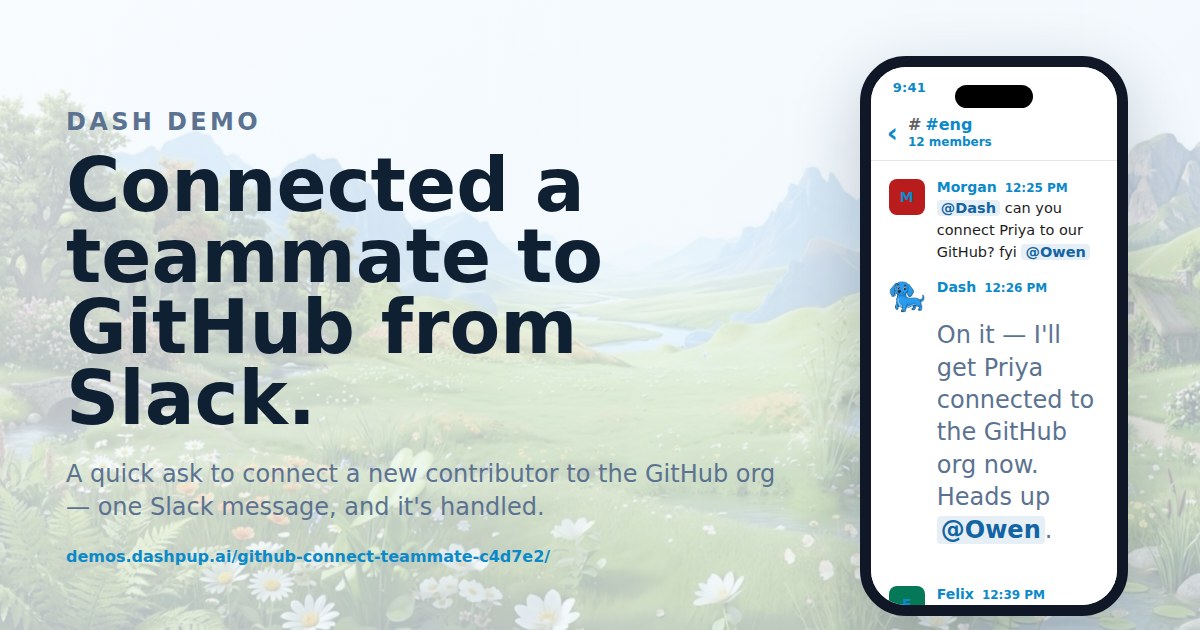
#eng Get GitHub repo access granted, then connect Asked to connect a repo, Dash found it, spotted the missing permission, pinged the right admin by name, and confirmed access, all in one thread. View the conversation
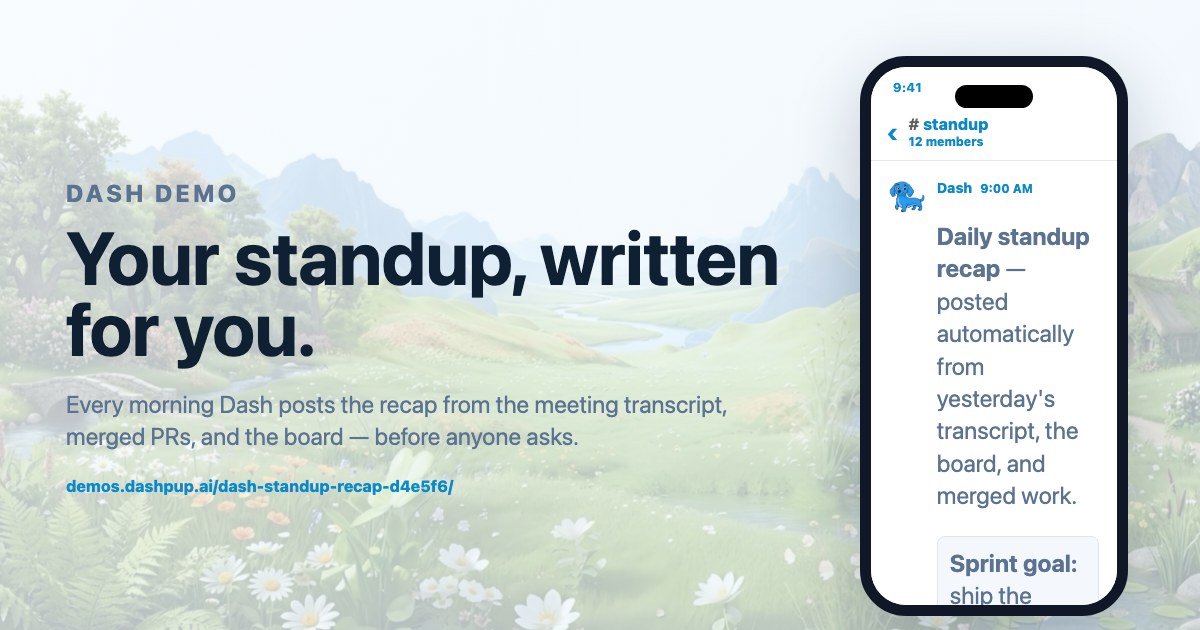
#standup Write the daily standup recap in Slack Every morning Dash posts the recap from the meeting transcript, merged PRs, and the board — before anyone asks. View the conversation
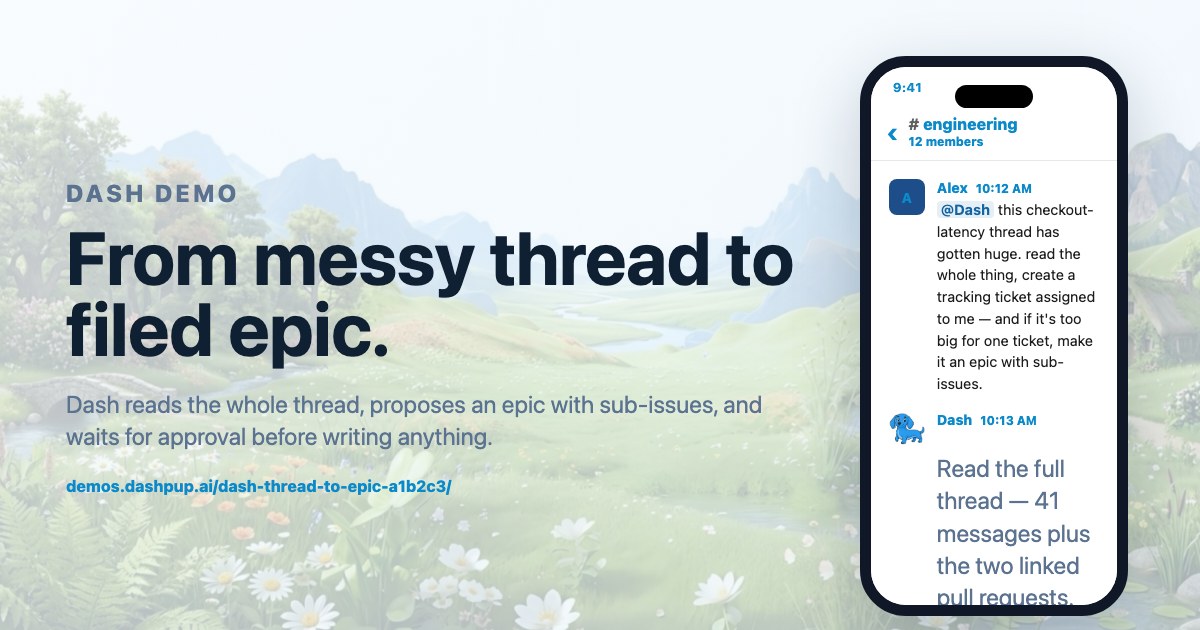
#engineering Turn a Slack thread into a filed epic Dash reads the whole thread, proposes an epic with sub-issues, and waits for approval before writing anything. View the conversation
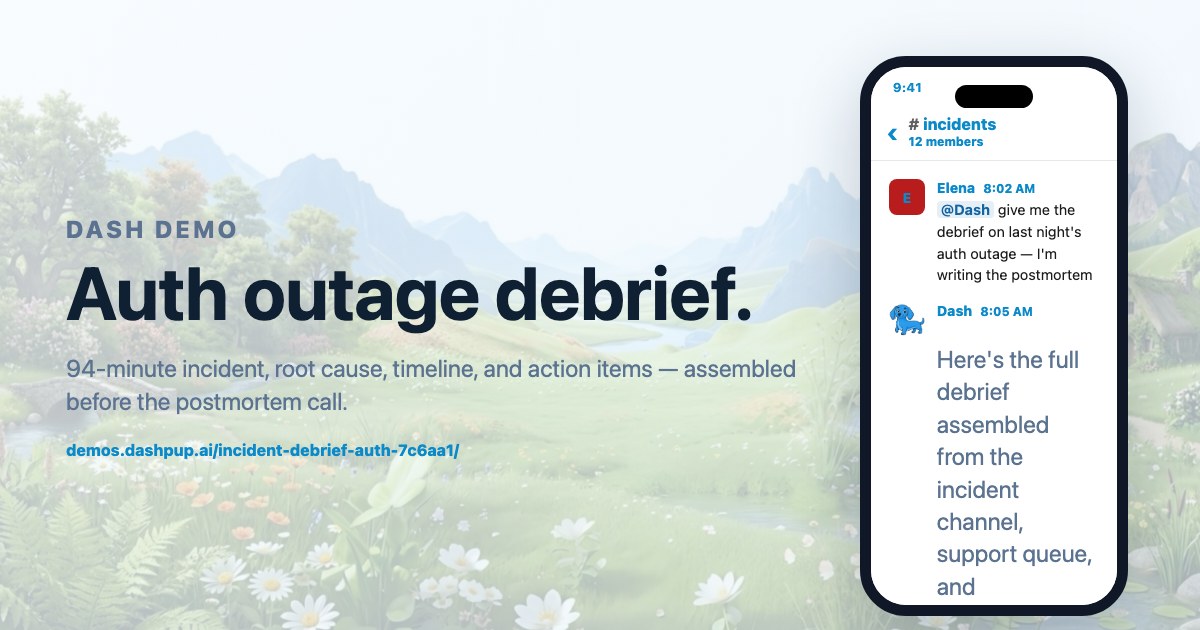
#incidents Draft the incident postmortem debrief 94-minute incident, root cause, timeline, and action items — assembled before the postmortem call. View the conversation
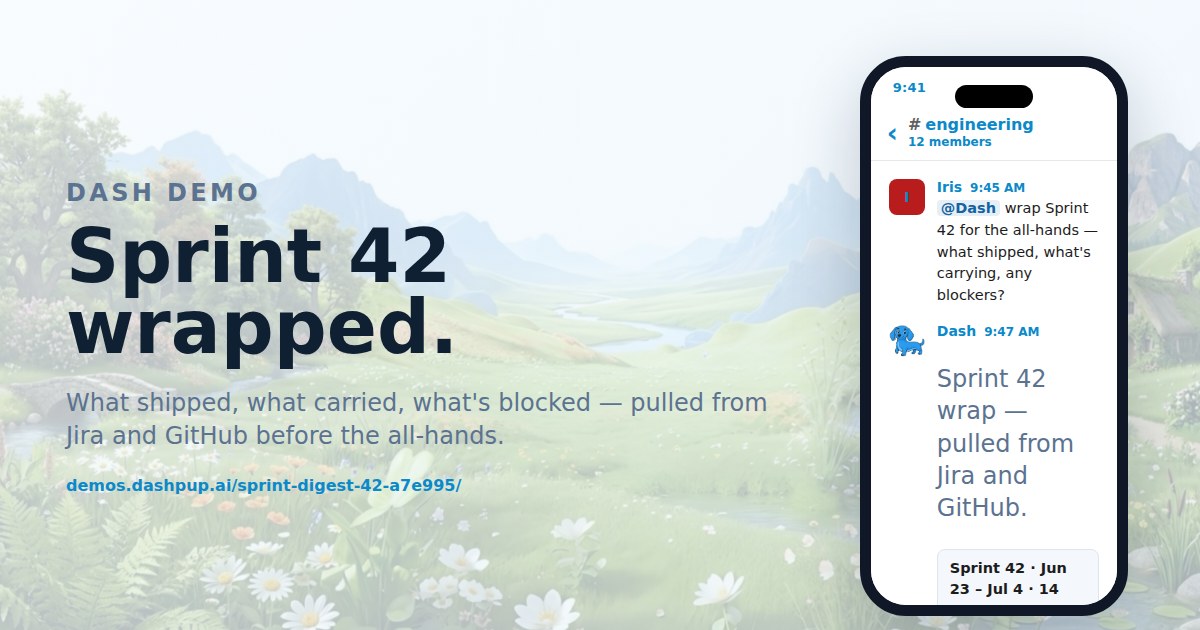
#engineering Wrap the sprint from Jira and GitHub What shipped, what carried, what's blocked — pulled from Jira and GitHub before the all-hands. View the conversation
Sales4
About sales demos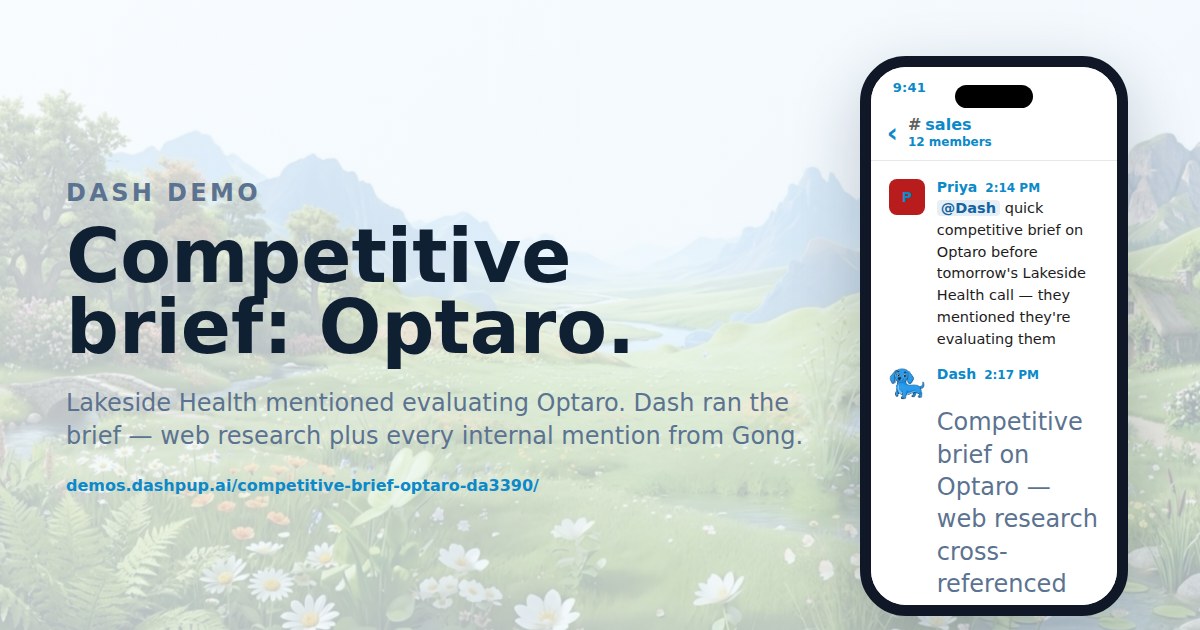
#sales Build a competitor brief from calls and web Lakeside Health mentioned evaluating Optaro. Dash ran the brief — web research plus every internal mention from Gong. View the conversation
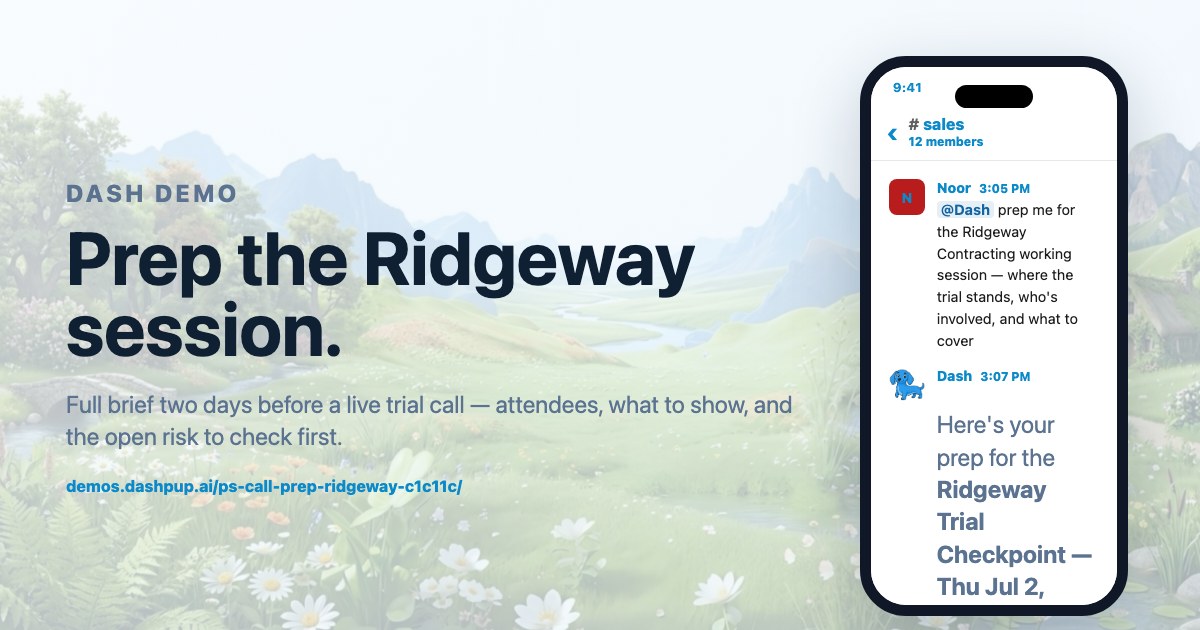
#sales Prep a customer call with an attendee brief Full brief two days before a live trial call — attendees, what to show, and the open risk to check first. View the conversation
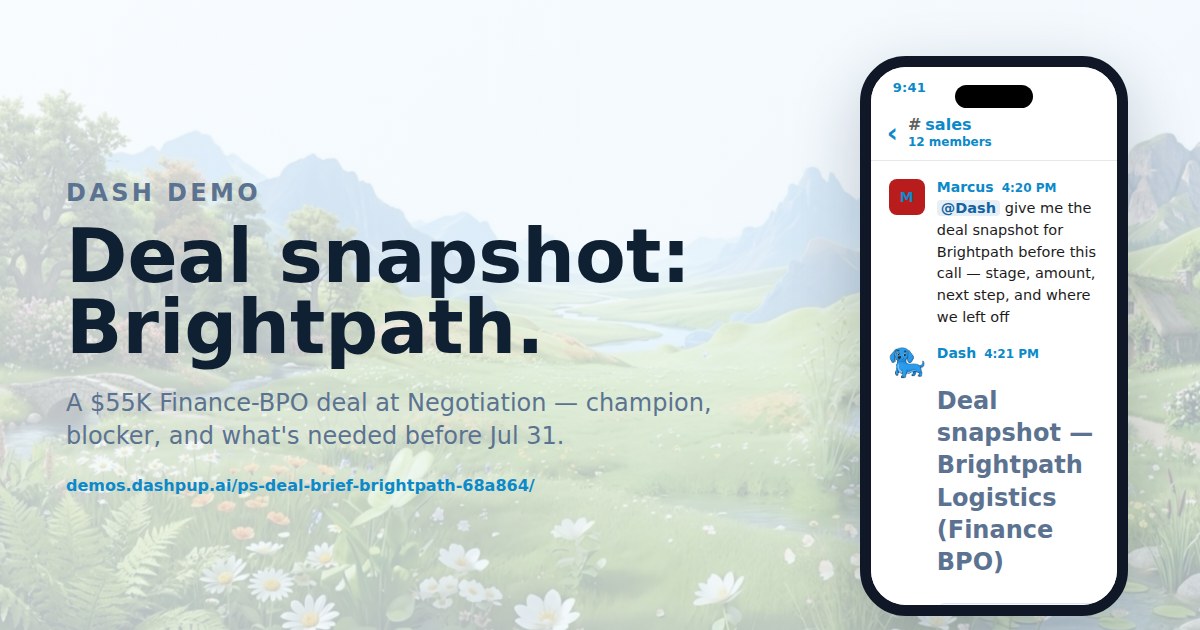
#sales Get a deal snapshot before a sales call A $55K Finance-BPO deal at Negotiation — champion, blocker, and what's needed before Jul 31. View the conversation
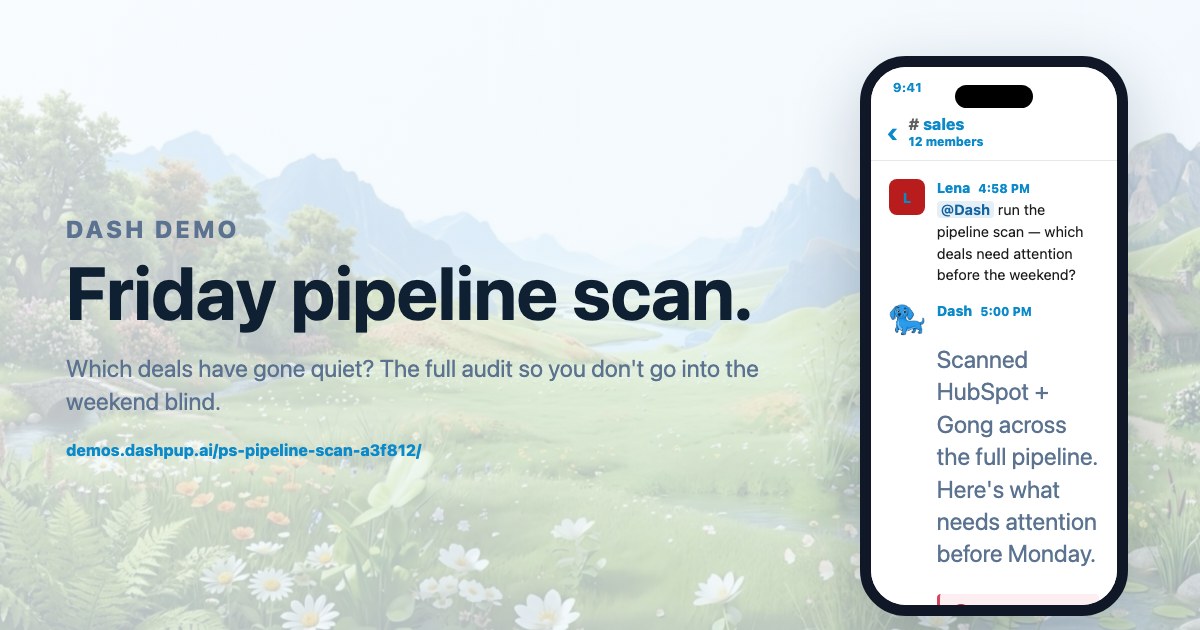
#sales Run a weekly pipeline scan for stalled deals Which deals have gone quiet? The full audit so you don't go into the weekend blind. View the conversation
Marketing3
About marketing demos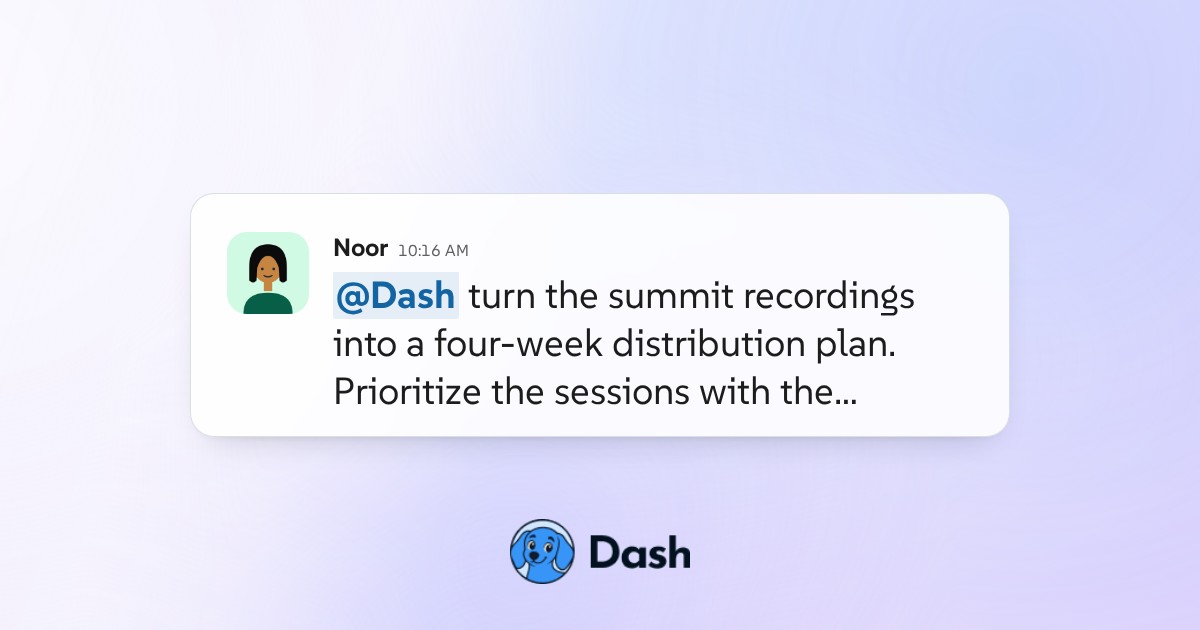
#content-studio Turn conference recordings into a content plan Dash turns recordings and transcripts into a coordinated newsletter, social, video, and sponsor distribution plan. View the conversation
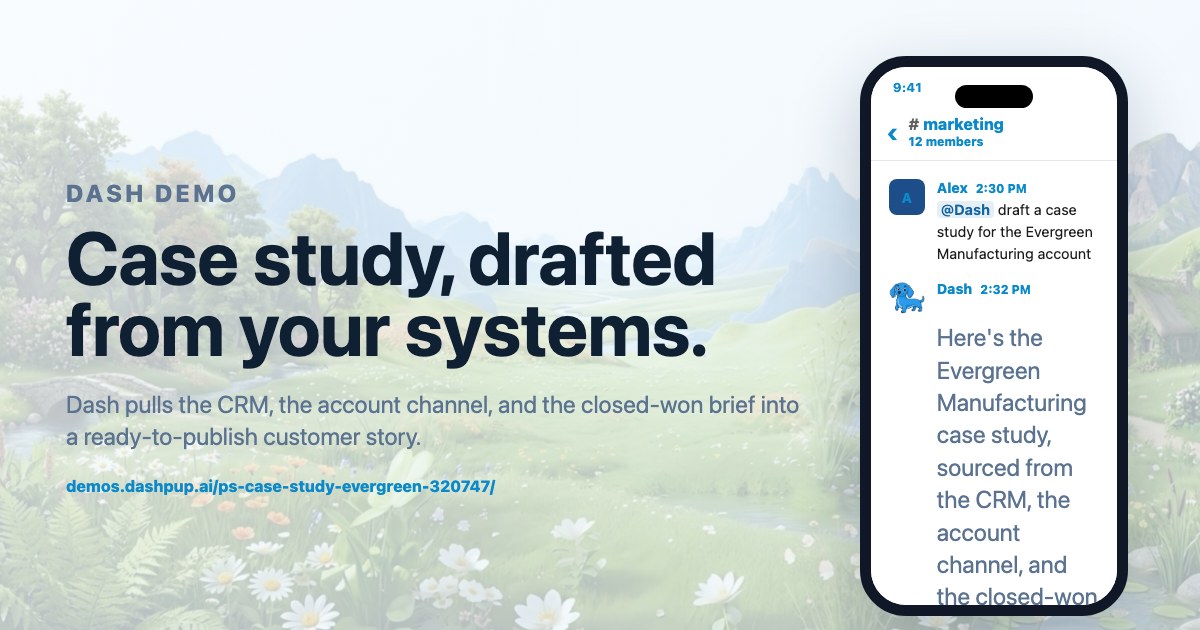
#marketing Draft a customer case study from your CRM Dash pulls the CRM, the account channel, and the closed-won brief into a ready-to-publish customer story. View the conversation
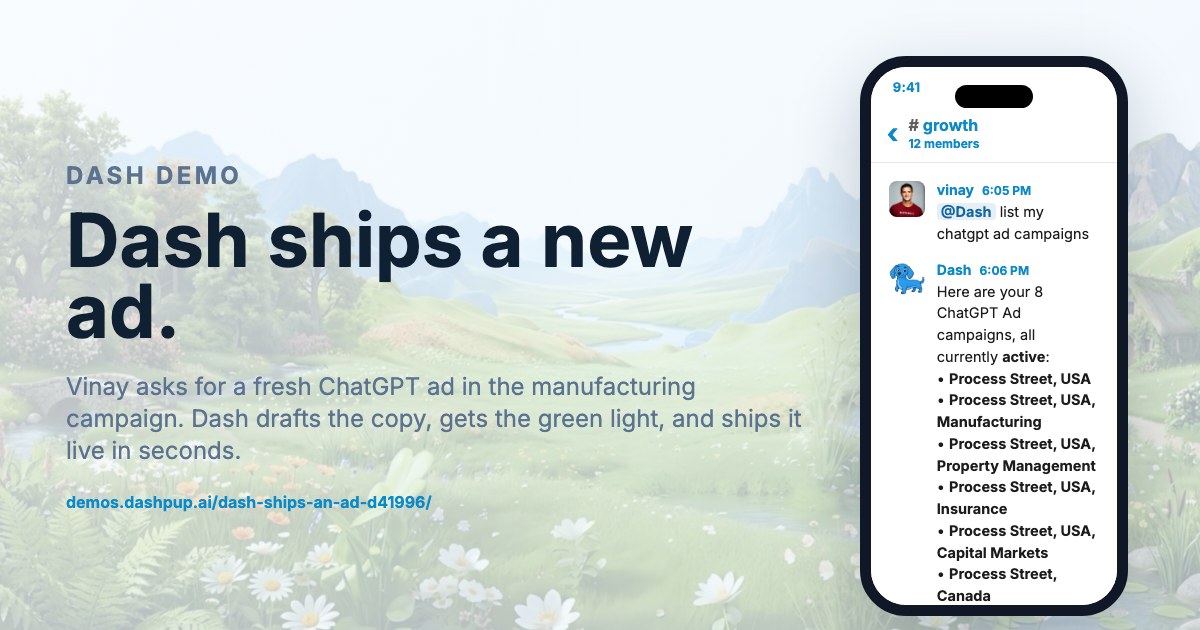
#growth Launch a ChatGPT ad variant from Slack Ravi asks for a fresh ChatGPT ad in the manufacturing campaign. Dash drafts the copy, gets the green light, and ships it live in seconds. View the conversation
Approvals and guardrails3
About approvals and guardrails demos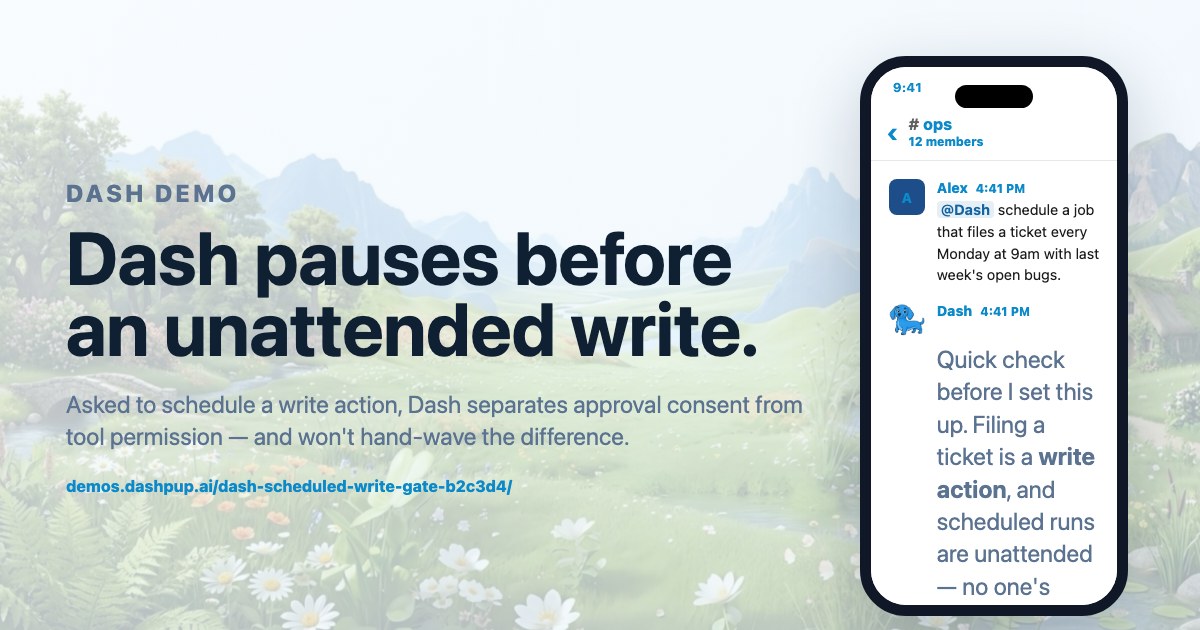
#ops Schedule an unattended task with approval gates Asked to schedule a write action, Dash separates approval consent from tool permission — and won't hand-wave the difference. View the conversation
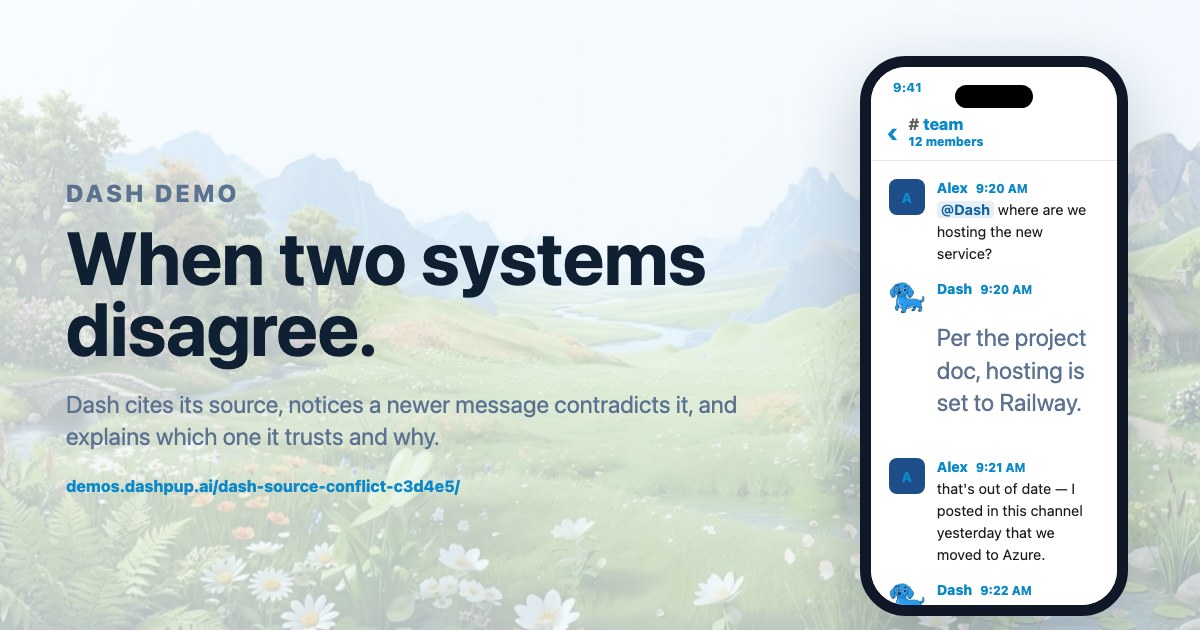
#team Resolve a doc and Slack channel conflict Dash cites its source, notices a newer message contradicts it, and explains which one it trusts and why. View the conversation
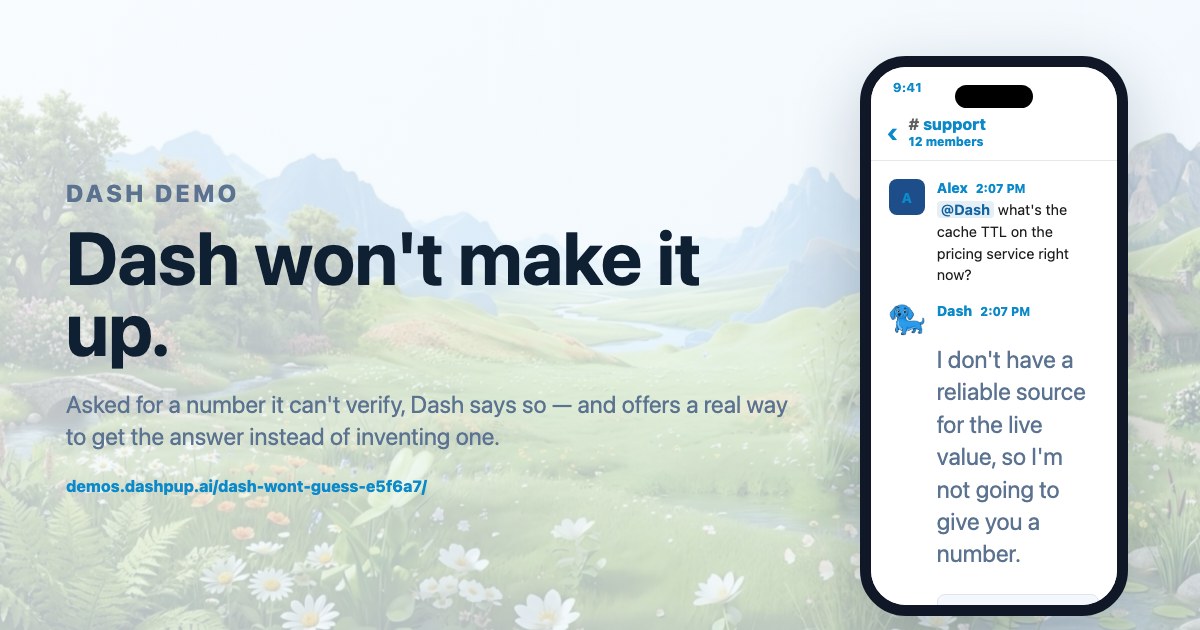
#support Get a source, not a guessed number Asked for a number it can't verify, Dash says so — and offers a real way to get the answer instead of inventing one. View the conversation
Customer success7
About customer success demos
#support Guide an agent through the procedure in Zendesk A newer agent hits an unfamiliar case. Dash walks them through the approved procedure step by step inside the ticket, surfaces the policy behind each step with a link, and stops at the point where the case needs a supervisor rather than pushing on. View the conversation
#customer-success Ask where a customer onboarding run stands A one line question in the channel returns the customer's onboarding status: which steps are done, which are overdue, who owns each one, and which single item is actually holding up go live. View the conversation
#support Triage the overnight support queue in Slack Dash sorts the tickets that arrived overnight into what is routine, what is urgent and what nobody owns, drafts the routine replies for a human to approve, and names the two tickets that should be escalated before the team's first coffee. View the conversation
#customer-success Draft a renewal risk brief from CRM and tickets Before a renewal conversation Dash assembles what actually predicts the outcome: usage trend, open tickets, what was promised at the last review, and who has gone quiet, with the source behind each line so the brief can be checked. View the conversation
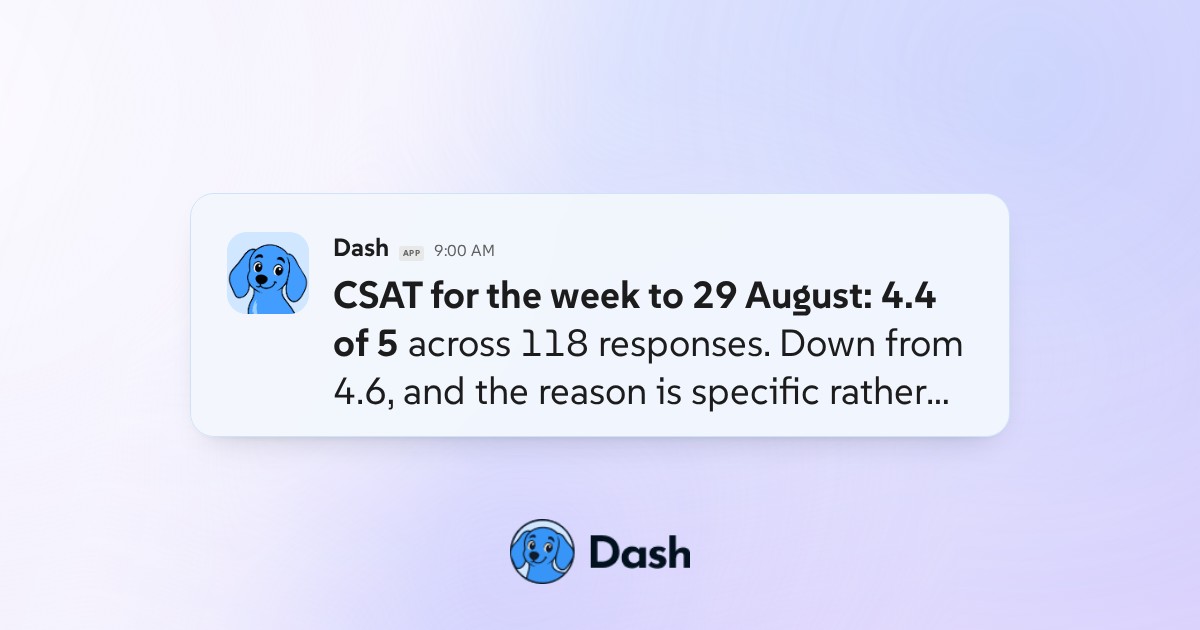
#customer-success Post the weekly CSAT digest with verbatims Every Monday Dash posts the week's satisfaction scores with the comments actually worth reading, separates the complaints that name a product problem from the ones that name a support problem, and flags the accounts where the score moved. View the conversation
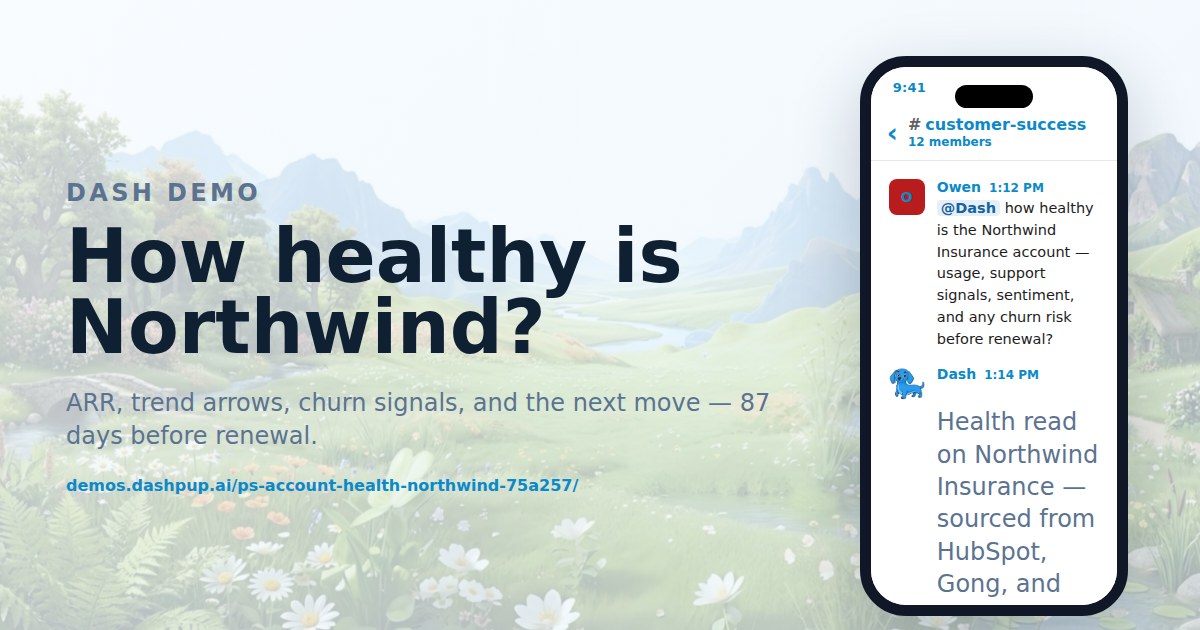
#customer-success Check account health and churn risk ARR, trend arrows, churn signals, and the next move — 87 days before renewal. View the conversation
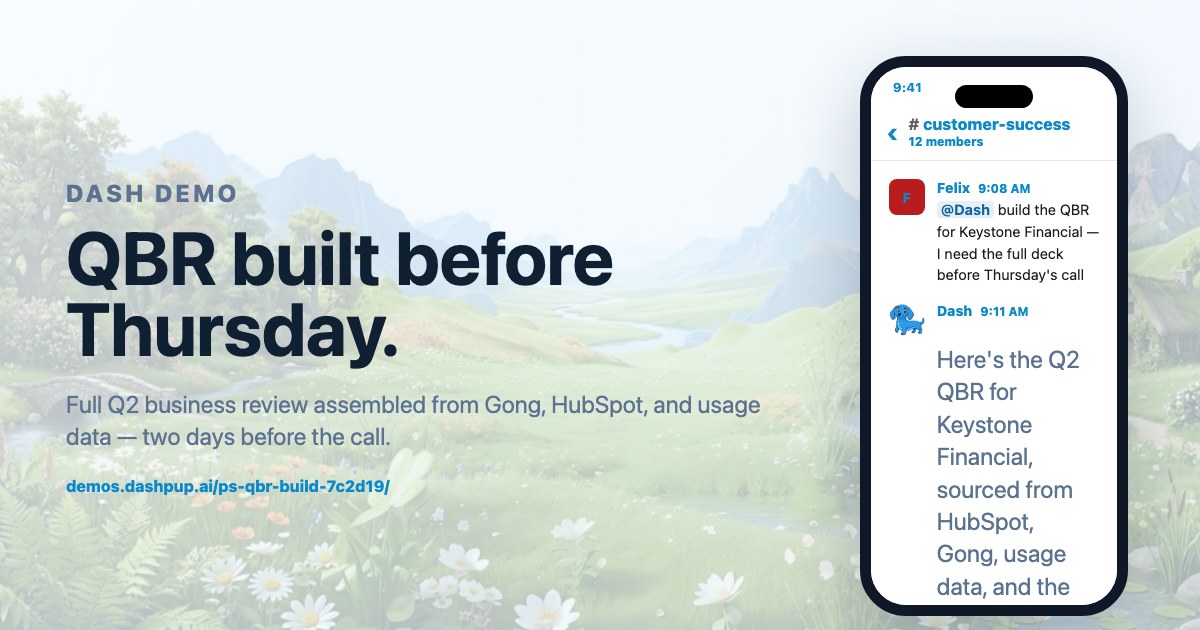
#customer-success Build a customer QBR from CRM and usage data Full Q2 business review assembled from Gong, HubSpot, and usage data — two days before the call. View the conversation
Leadership7
About leadership demos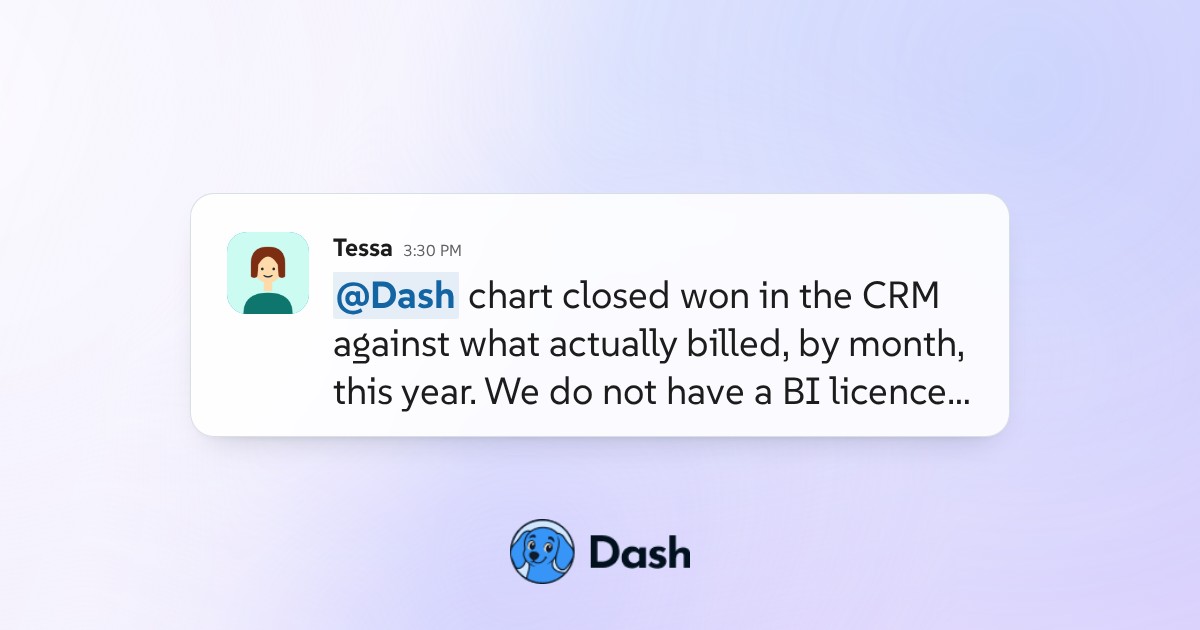
#leadership Chart CRM against billing without a BI tool Ask for a comparison in the channel and Dash pulls both systems, matches the records, posts the chart inline, and reports how many rows it could not match rather than quietly dropping them into a clean looking total. View the conversation
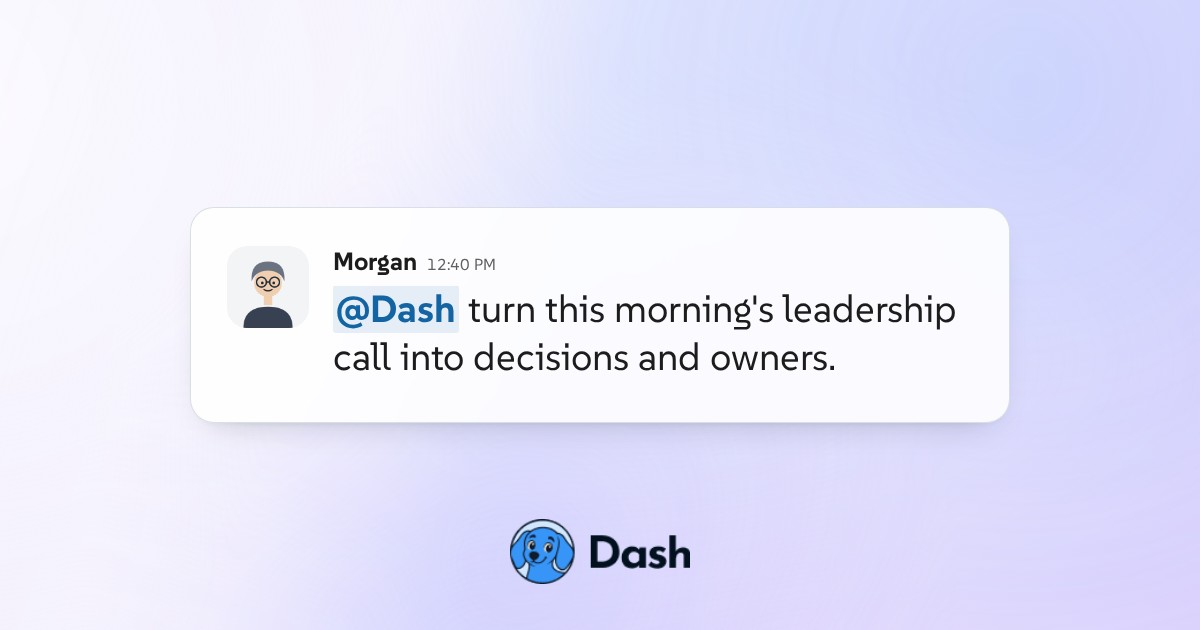
#leadership Turn the leadership meeting into decisions Dash reads the meeting recording and returns only what was decided, who owns it and by when, separates decisions from things that were merely discussed, and names the item that was raised twice and settled neither time. View the conversation
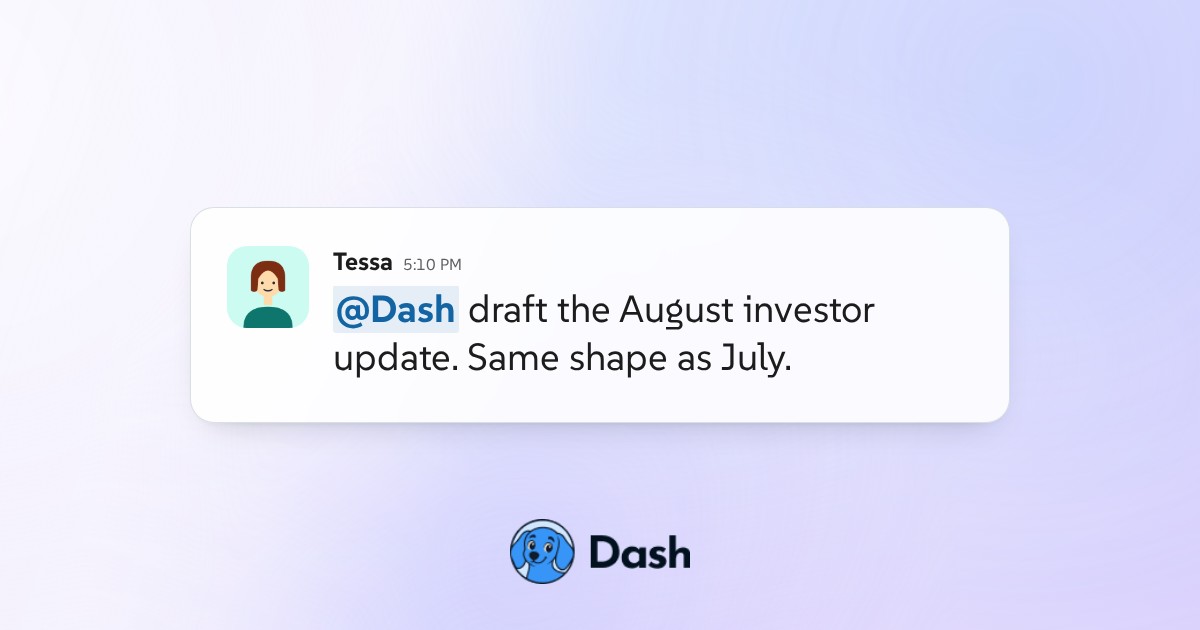
#leadership Draft the monthly investor update in Gmail Dash writes next month's investor update in the same structure as last month's, fills the numbers from the systems they live in, marks anything it could not source, and leaves it as a draft for the founder to edit and send. View the conversation
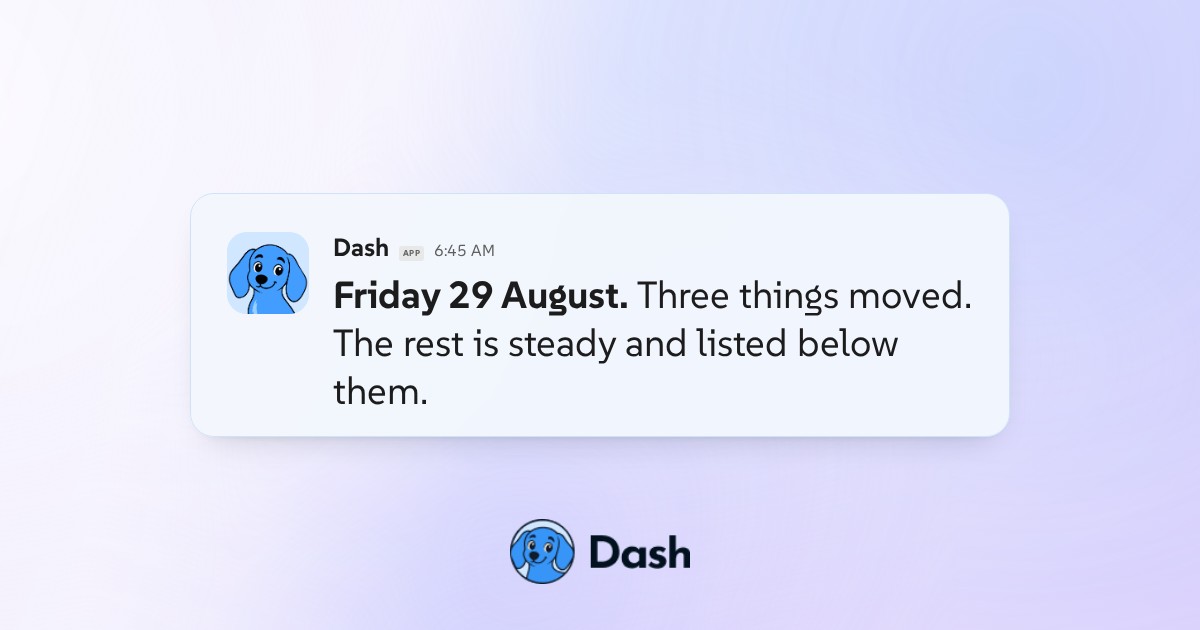
#daily-brief Post the morning revenue and pipeline brief Every weekday morning Dash posts the numbers a founder would otherwise open five tools to see, and leads with the two or three that moved rather than repeating a dashboard nobody reads twice. View the conversation
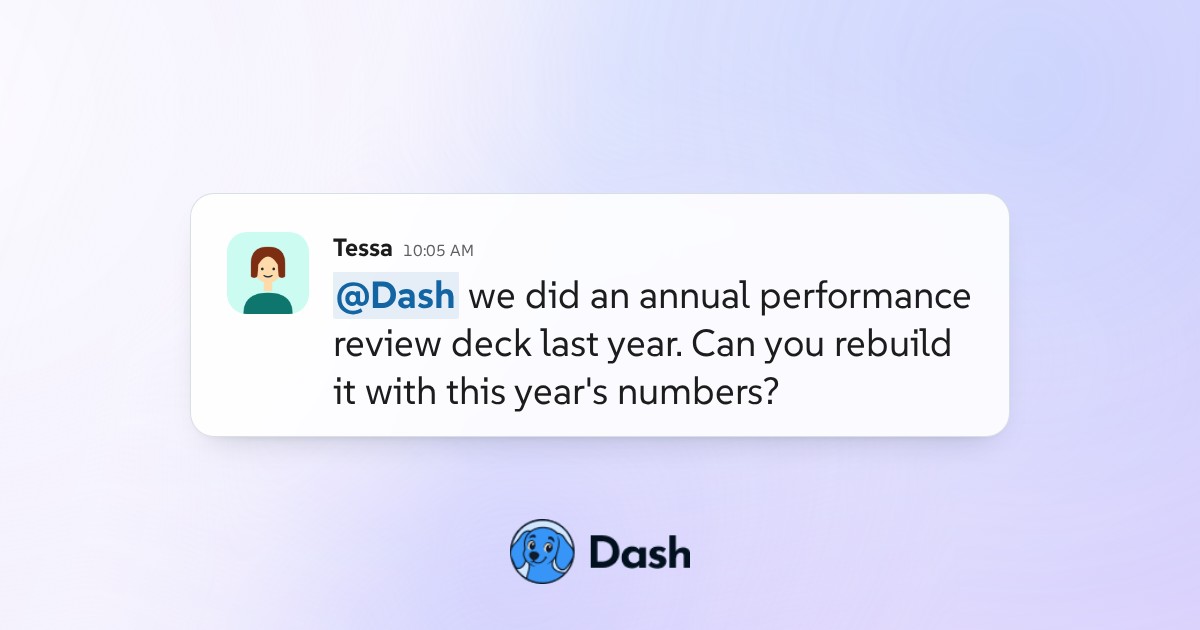
#leadership Rebuild last year's report with new numbers Point Dash at the report you produced last year and it rebuilds the same thing with this year's figures, keeps the structure and definitions consistent, and calls out where a metric was defined differently so the comparison is honest. View the conversation
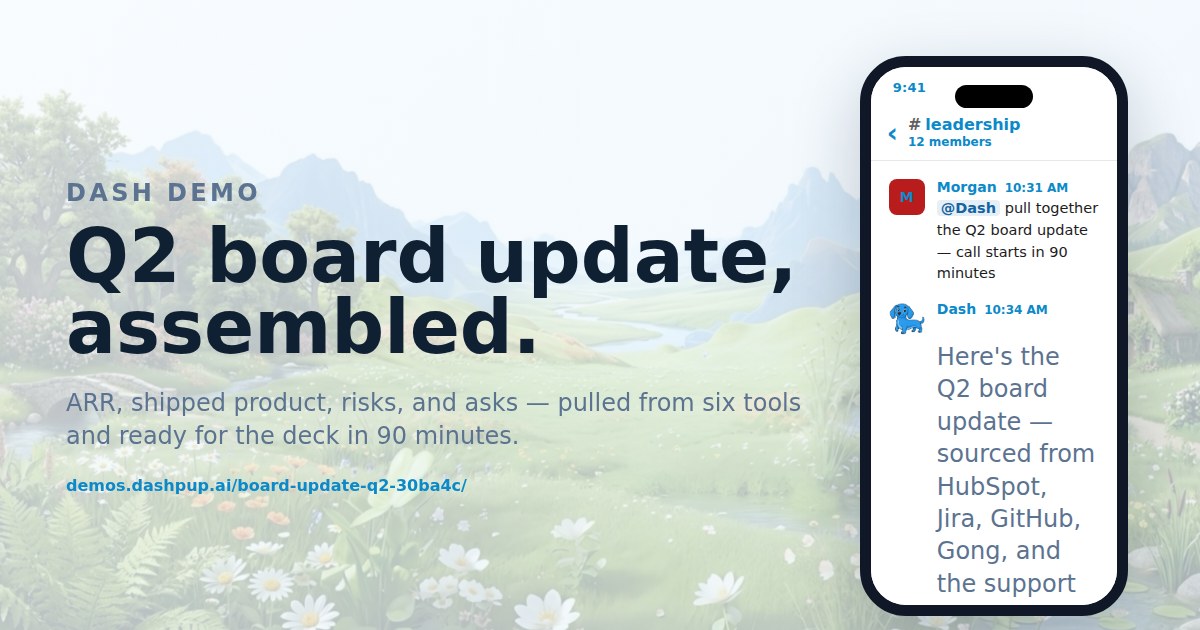
#leadership Assemble the quarterly board update ARR, shipped product, risks, and asks — pulled from six tools and ready for the deck in 90 minutes. View the conversation
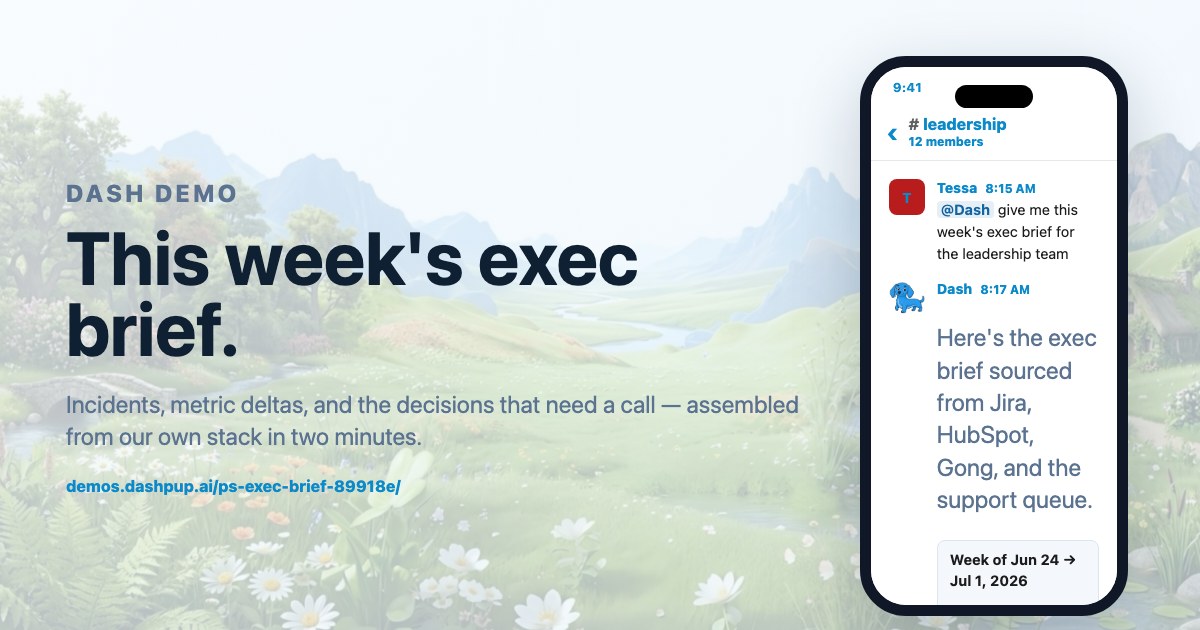
#leadership Assemble the weekly exec brief Incidents, metric deltas, and the decisions that need a call — assembled from our own stack in two minutes. View the conversation
Events7
About events demos
#sponsor-ops Turn event leads into follow-ups for approval After the event Dash takes the scanned leads, matches them against the CRM, separates genuinely new contacts from existing accounts, and drafts a follow-up per lead that references the session they actually attended, all held for approval. View the conversation
#sponsor-ops Build the full partner brief before the call Before a partner conversation Dash assembles what they bought last time, what was delivered, what is still outstanding and what they asked for and did not get, so the call starts from the record instead of from whoever remembers most. View the conversation
#show-day Research the programming slate for an event Instead of thirty browser tabs, Dash researches the candidate speakers and sessions, returns what each one has spoken about recently and where, flags the overlaps in your draft agenda, and links every claim to the page it came from. View the conversation
#sponsor-ops Answer a sponsor asking what is outstanding A sponsor emails asking what is still owed. Dash reads the agreement, checks what has actually been received and delivered, and returns a line by line status with the two items waiting on the sponsor separated from the ones waiting on you. View the conversation
#show-day Update the event page when a speaker changes A speaker drops out four days before the event. Dash updates the agenda page, the speaker bio and the session time on the live site through a pull request, and lists every other place the old name still appears rather than leaving them to be found later. View the conversation
#show-day Keep the event run of show accurate Dash reconciles producer notes, speaker arrivals, room changes, and owners into one current show-day plan. View the conversation
#sponsor-ops Track sponsor deliverables automatically Dash updates partner hubs from signed deliverables, summarizes recent calls, surfaces missing inputs, and prepares follow-ups for approval. View the conversation
Security and IT7
About security and it demos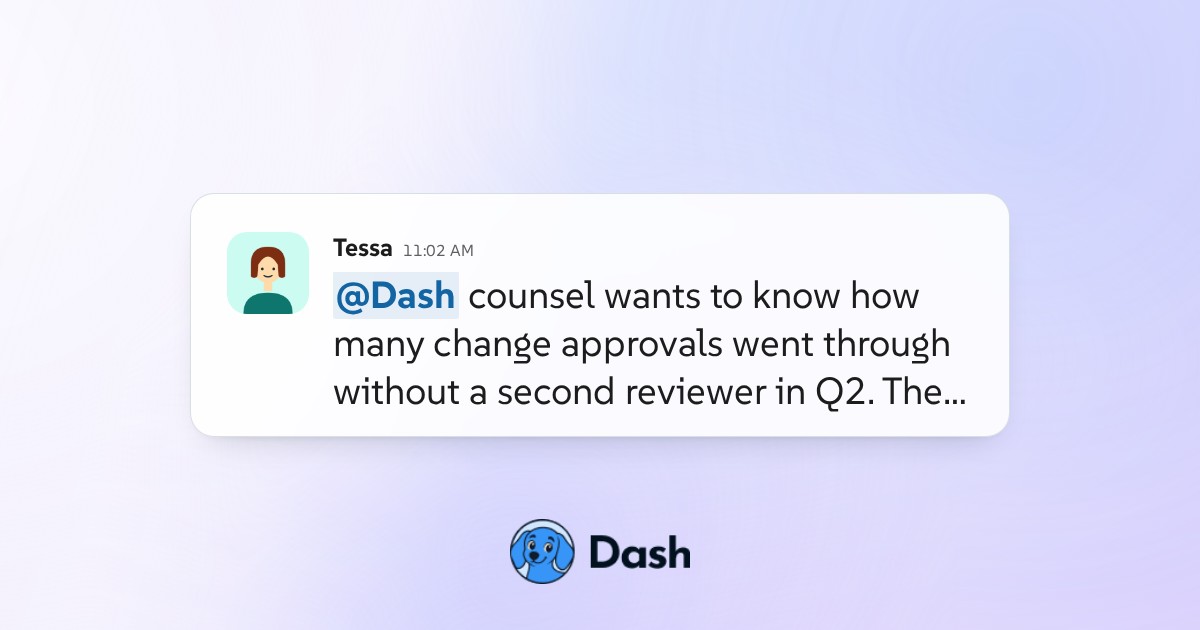
#legal Answer legal's question without system access Outside counsel needs to know what a process did and when. Dash retrieves the answer, the records behind it and the approval trail, and posts it in the channel, so the lawyer gets the evidence without ever being given a login to the system. View the conversation
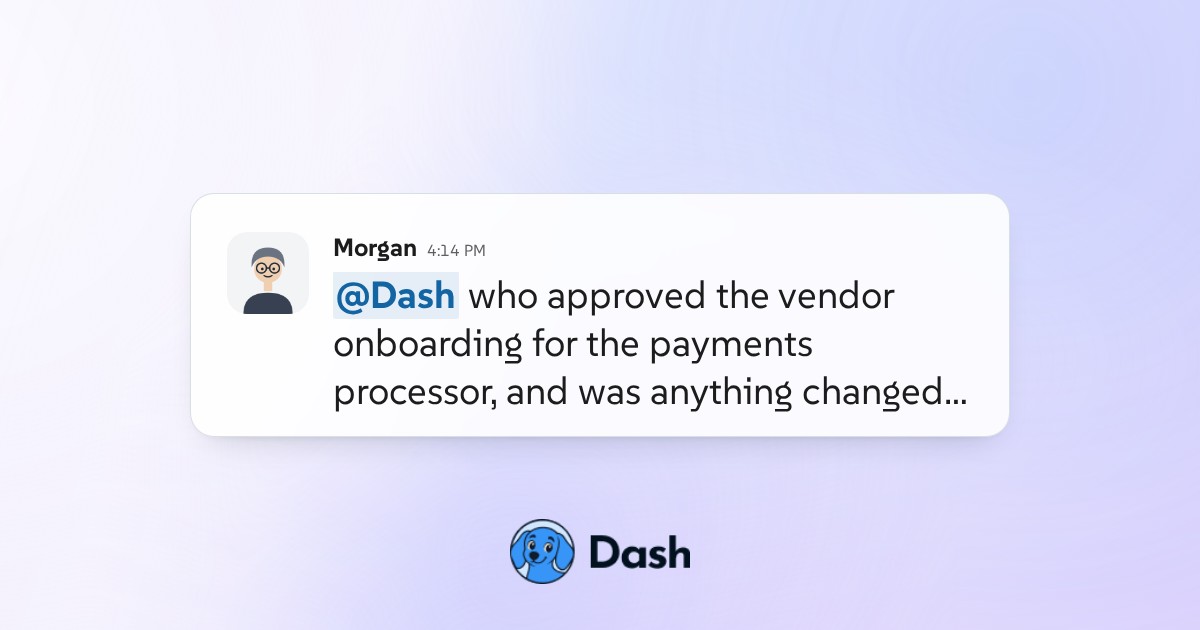
#security-compliance Show who approved what and what changed When a control is questioned, Dash reconstructs the approval trail: who signed off, at what time, on which version, and what was edited after approval, so a compliance answer can be proven rather than asserted. View the conversation
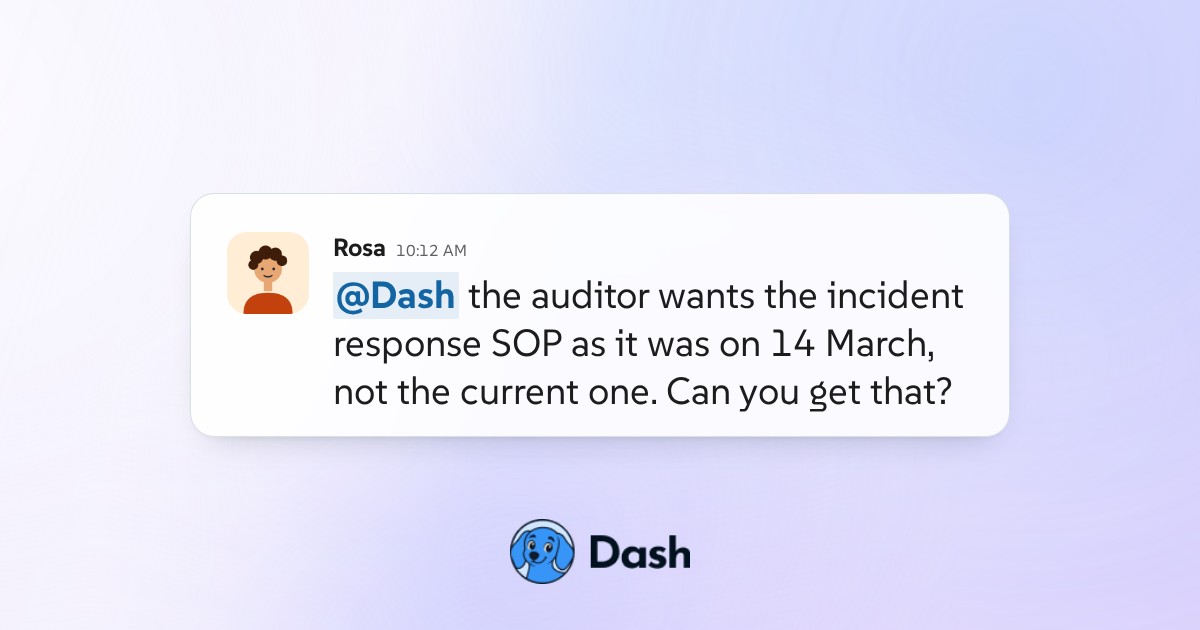
#security-compliance Pull the SOP as it stood on the incident date An auditor asks which procedure was in force on 14 March. Dash retrieves the version of the SOP that was published on that date, names who approved it, and lists what changed after, so the answer is the record rather than someone's memory. View the conversation
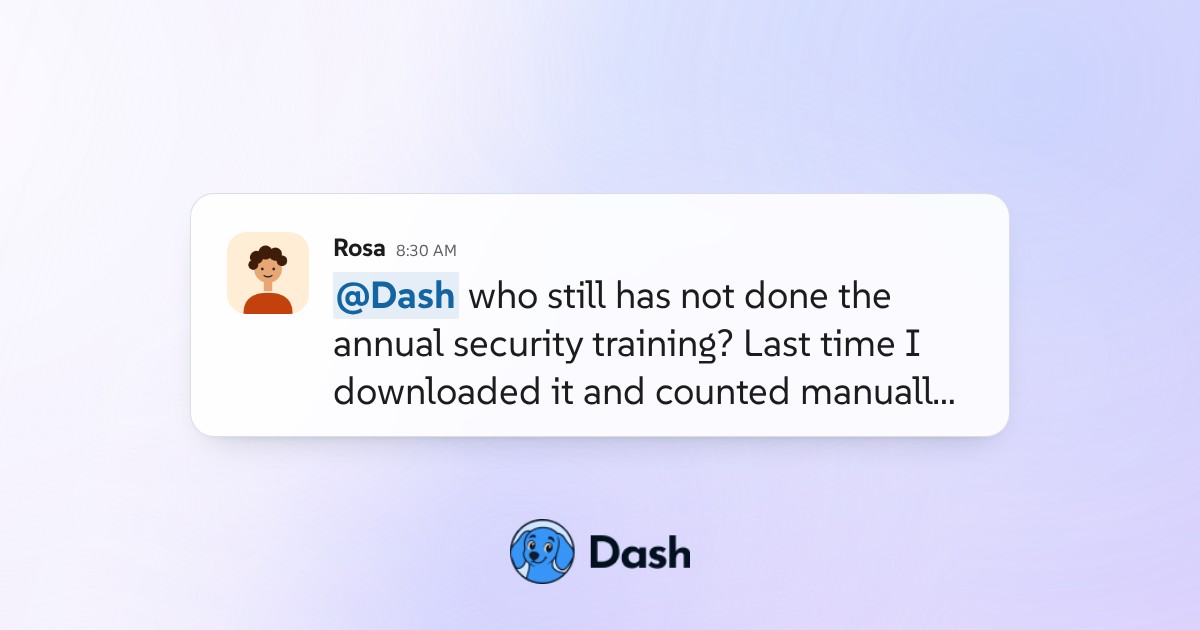
#security-compliance Chase the outstanding compliance training Instead of exporting the compliance report and counting by hand, Dash reads who has not completed the training, shows the names behind the number, and drafts the reminders for approval before anything is sent. View the conversation
#security-compliance Answer a security questionnaire from your docs A prospect sends a 92 question security review. Dash answers the questions your policy documents already cover, cites the document and section behind each answer, and flags the ones with no supporting policy rather than filling them in. View the conversation
#security-compliance Audit every Zapier workflow in the business Nobody knows how many Zaps are running or who owns them. Dash inventories every workflow, shows which ones have not fired in months, which are erroring silently, and which belong to people who have left, then hands back a shutdown list to approve. View the conversation
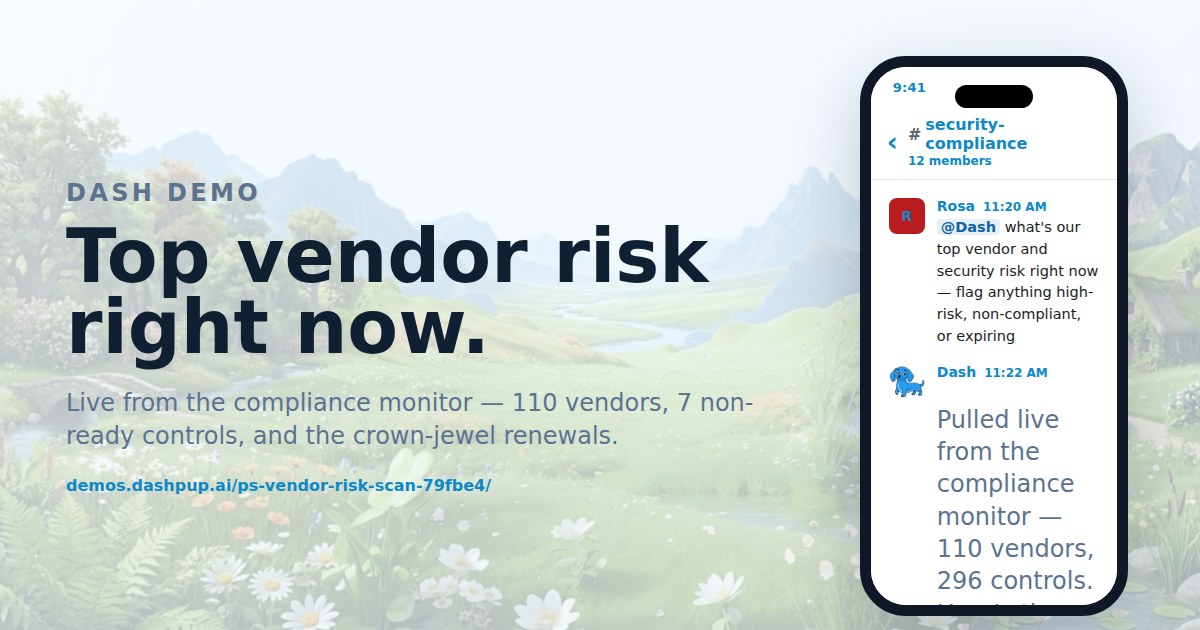
#security-compliance Find your top vendor security risks Live from the compliance monitor — 110 vendors, 7 non-ready controls, and the crown-jewel renewals. View the conversation
People ops7
About people ops demos
#people-ops Send the new hire welcome on day one On a new hire's first morning Dash posts the welcome in the team channel, sends the first week schedule with every meeting already on the calendar, and names the three people they should meet, without the People team having to remember the date. View the conversation
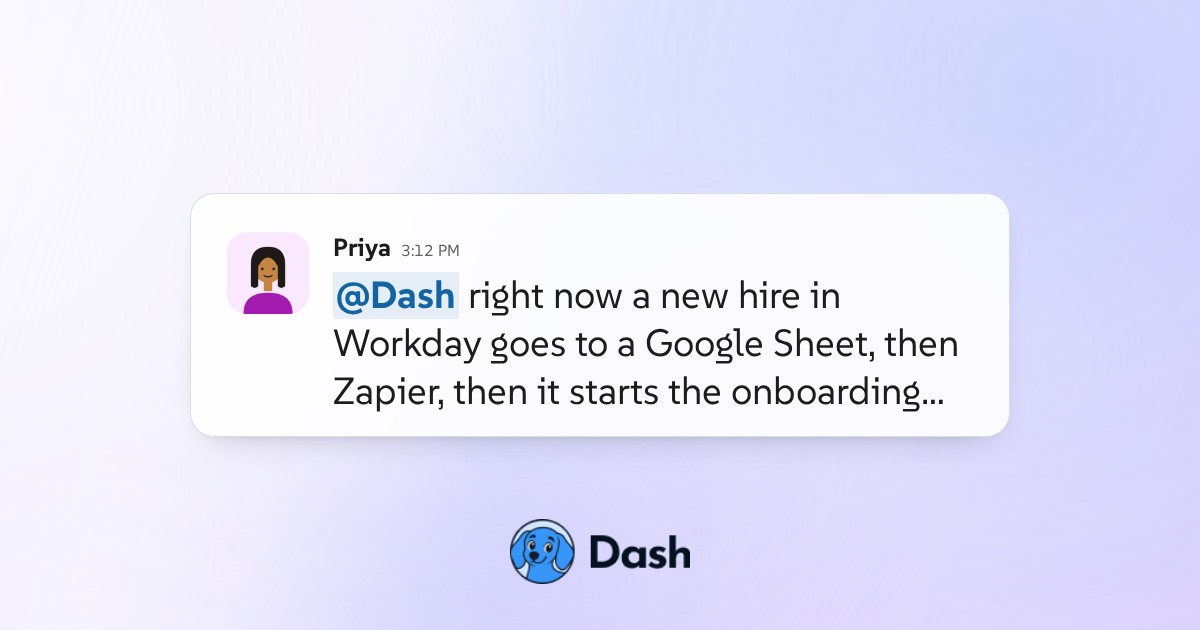
#people-ops Onboard from Workday without a Zapier chain The old path was Workday to a spreadsheet to Zapier to the checklist, and it broke whenever a field name changed. Dash reads the new hire record directly and starts the onboarding run itself, so there is no middle layer to maintain or debug. View the conversation
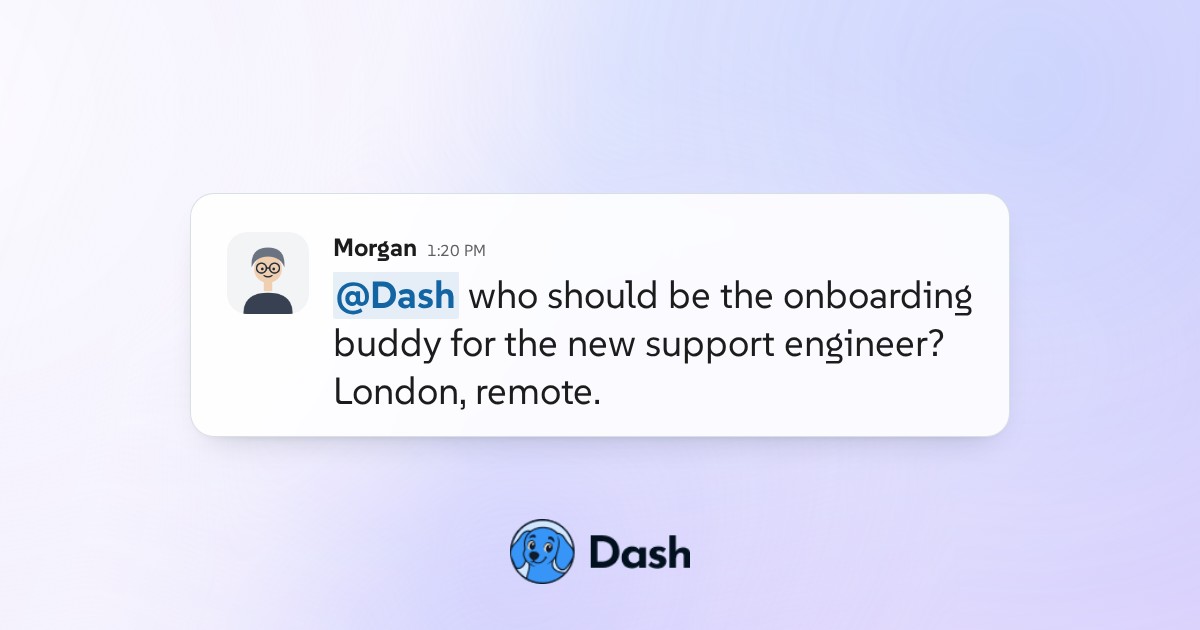
#people-ops Pair a new hire with an onboarding buddy Dash suggests a buddy from the org chart based on team, timezone and current load, explains why each candidate fits, makes the introduction once a human picks, and checks in at two weeks to see whether the pairing actually worked. View the conversation
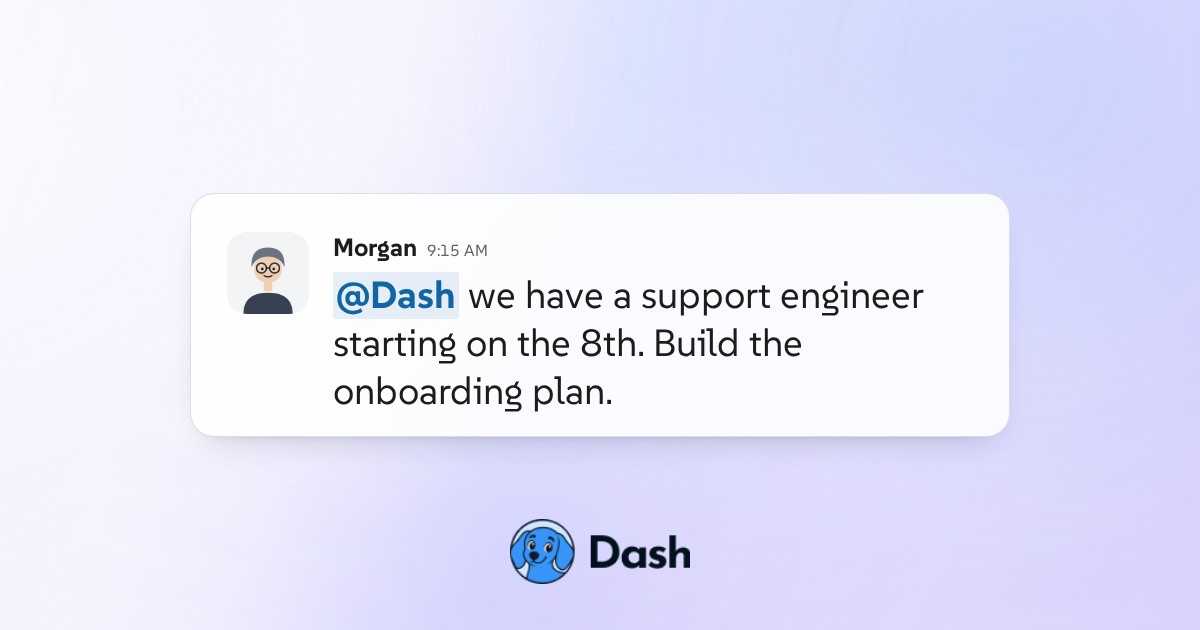
#people-ops Build a new hire onboarding plan from BambooHR Dash reads the new hire's start date, role and manager from the HR system, builds the first two weeks as a dated plan with an owner on every item, and holds it for the People lead to approve before anyone is assigned. View the conversation
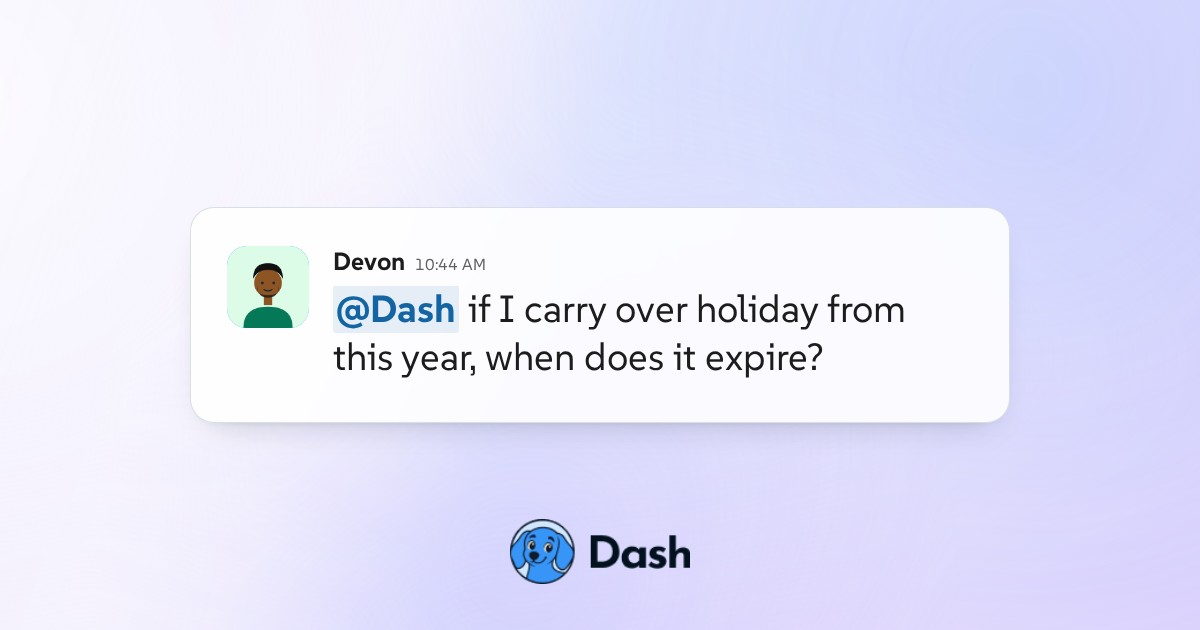
#general Answer a PTO policy question with the source Someone asks a policy question in the channel. Dash answers it from the actual handbook, links the section it came from, and says plainly when the policy does not cover the case rather than inventing an answer that People later have to walk back. View the conversation
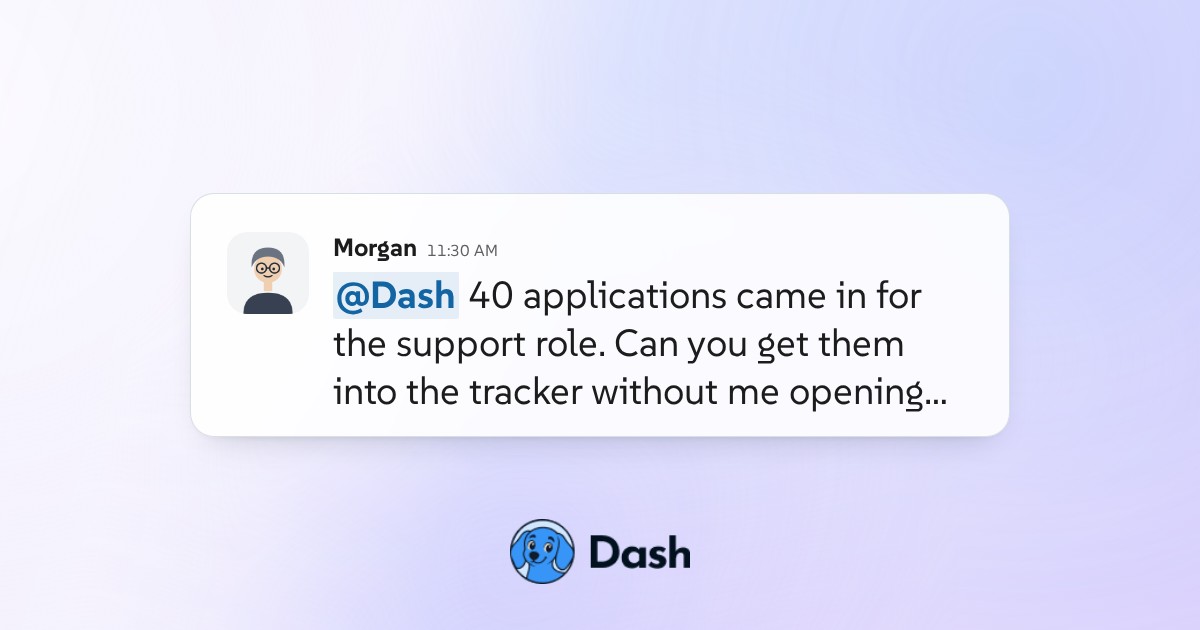
#people-ops Parse resumes into the candidate record Forty applications arrive as attachments. Dash reads each one, fills the candidate record with the details the team actually screens on, and flags the ones where the document did not support a field rather than guessing at it. View the conversation
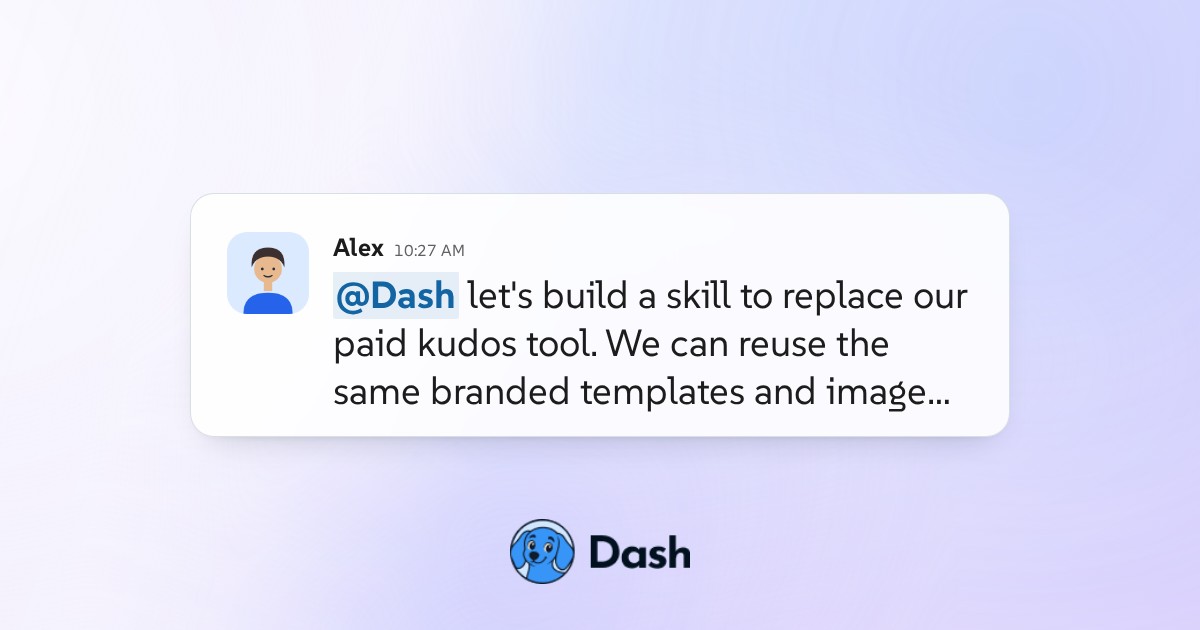
#people-ops Build a Slack kudos tool with Dash A CEO, a People lead, and an Ops coordinator collaborate with Dash to replace their paid recognition tool — designing branded cards, iterating on the artwork, migrating historical data, and wiring up automatic tracking in a single thread. View the conversation